

PurseTracker – budgeting software for
household finances and disposable income
8 good reasons to get started
The budget becomes a tool – not a spreadsheet
Instead of a spreadsheet you get a program that is easy to use, yet advanced at giving you a financial overview.
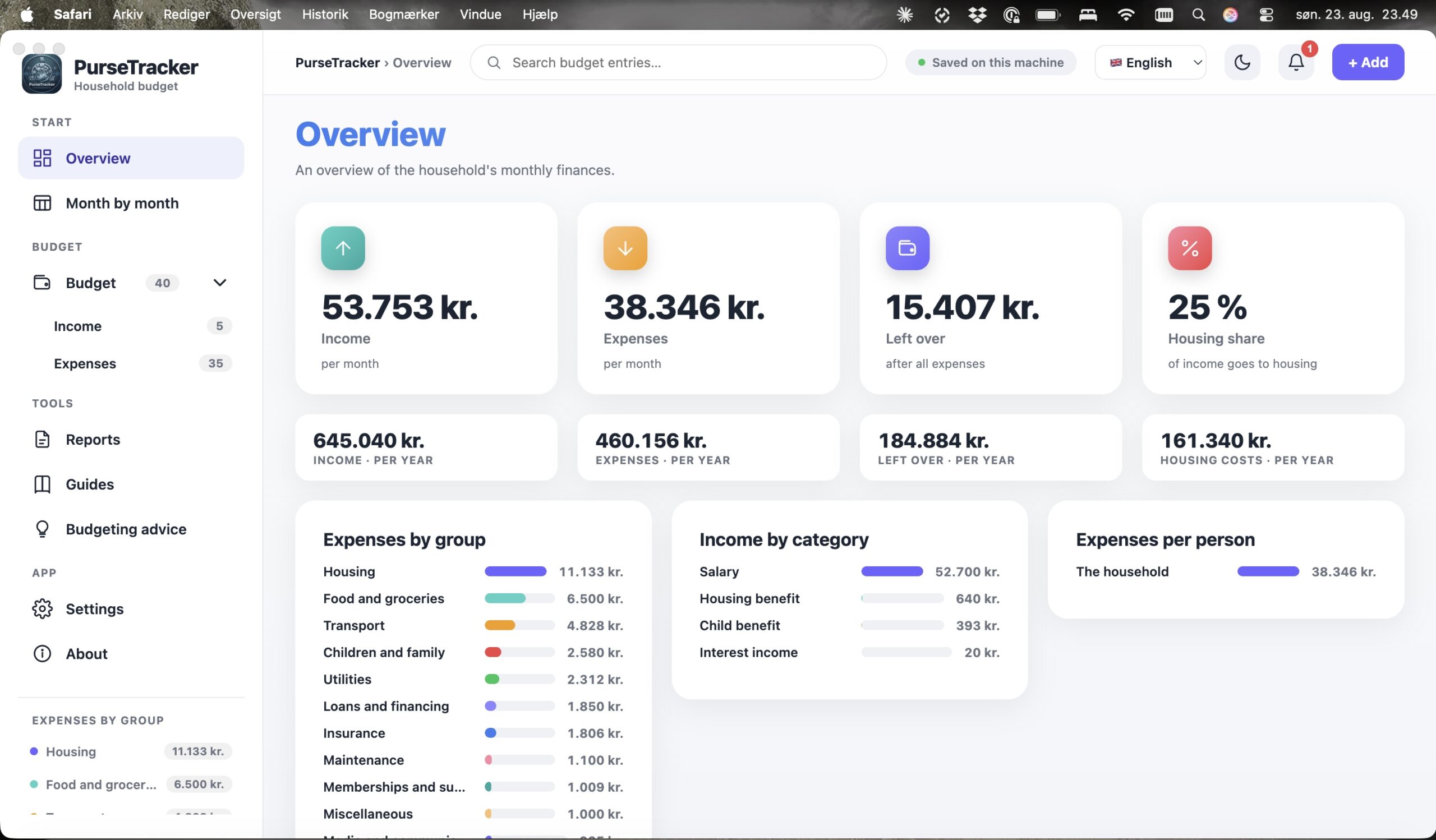
See your disposable income
Income minus all fixed expenses – converted to month and year, so you know what is actually left before you say yes to something new.
Keep an eye on the housing share
Housing and utilities added together and shown as a percentage of income. You set the limit yourself, and PurseTracker tells you when it is passed.
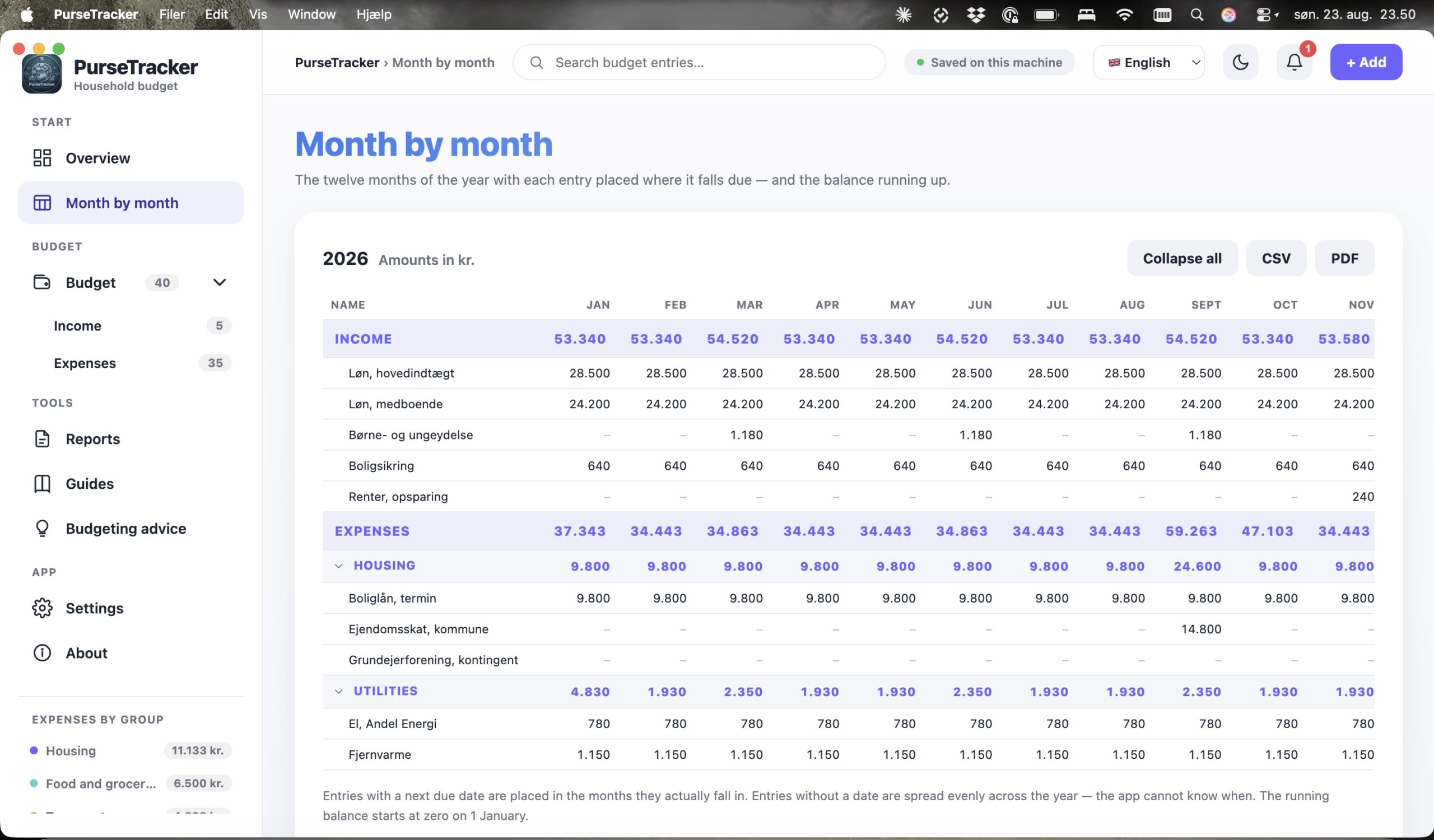
Plan the whole year
Month by month, each entry lands in the months it actually falls due – with a running balance that accumulates through the year.
Split expenses across the household
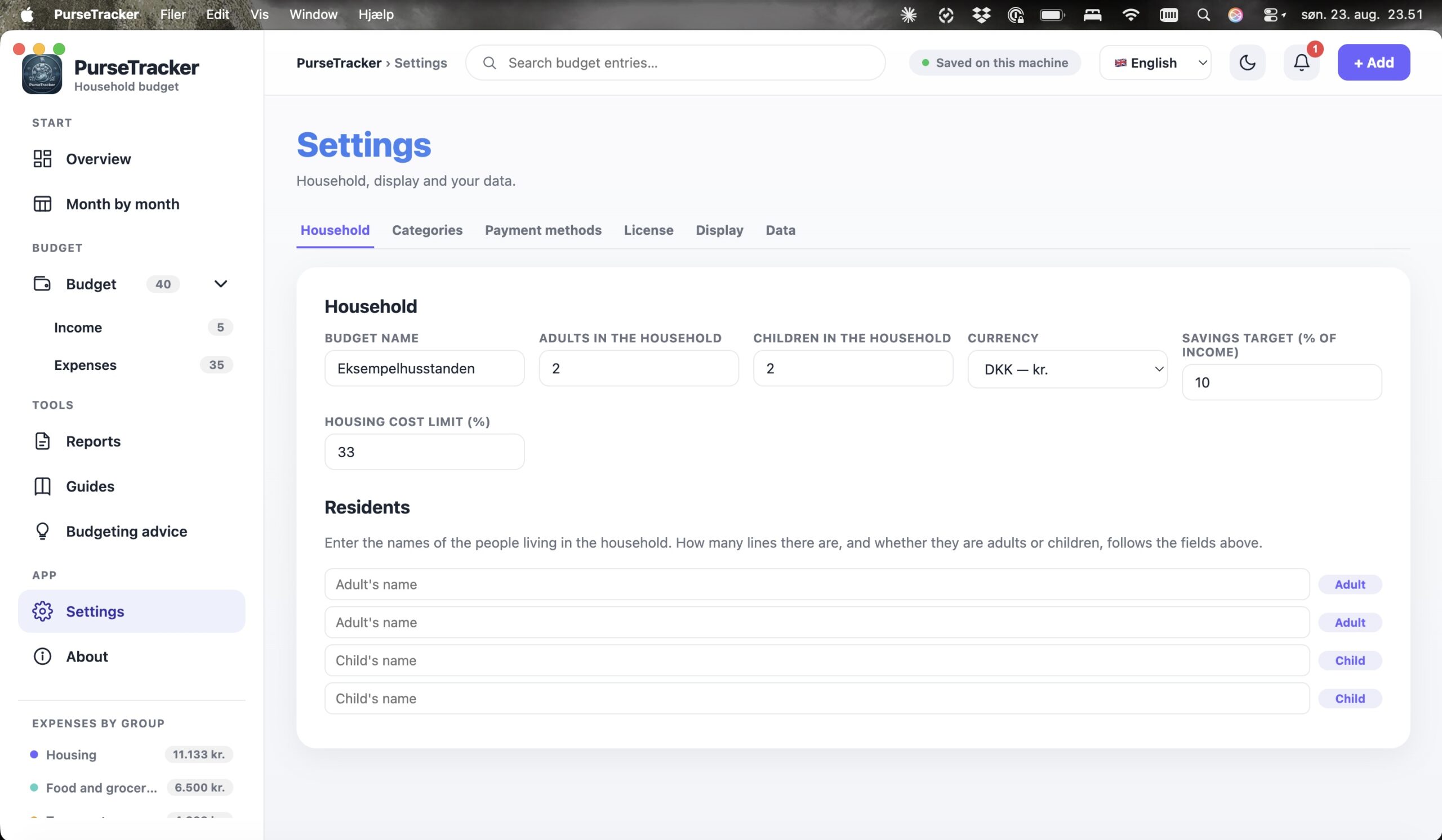
Name the adults and children, and assign the expenses belonging to one person. The rest stands as the household’s shared expenses.
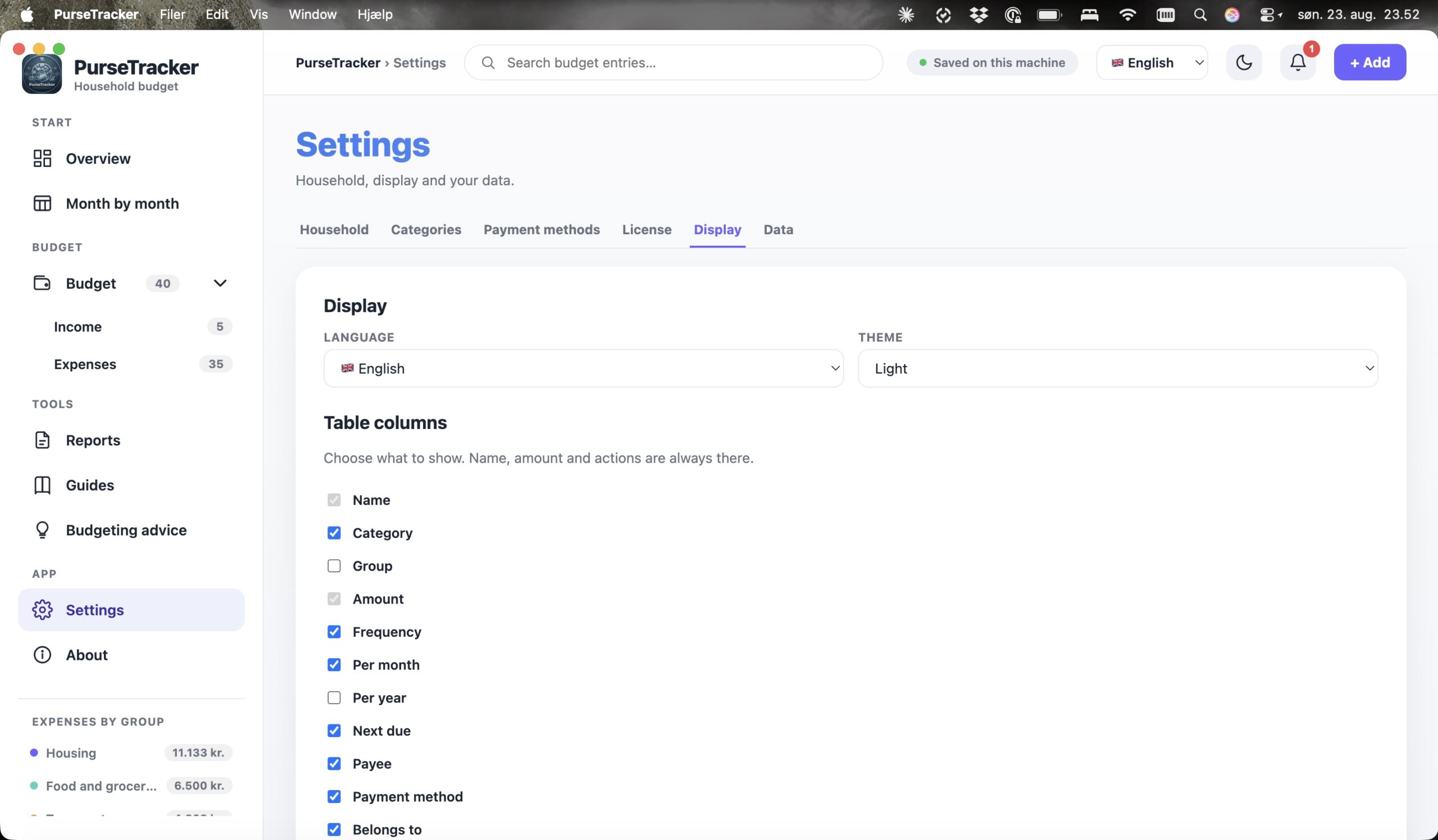
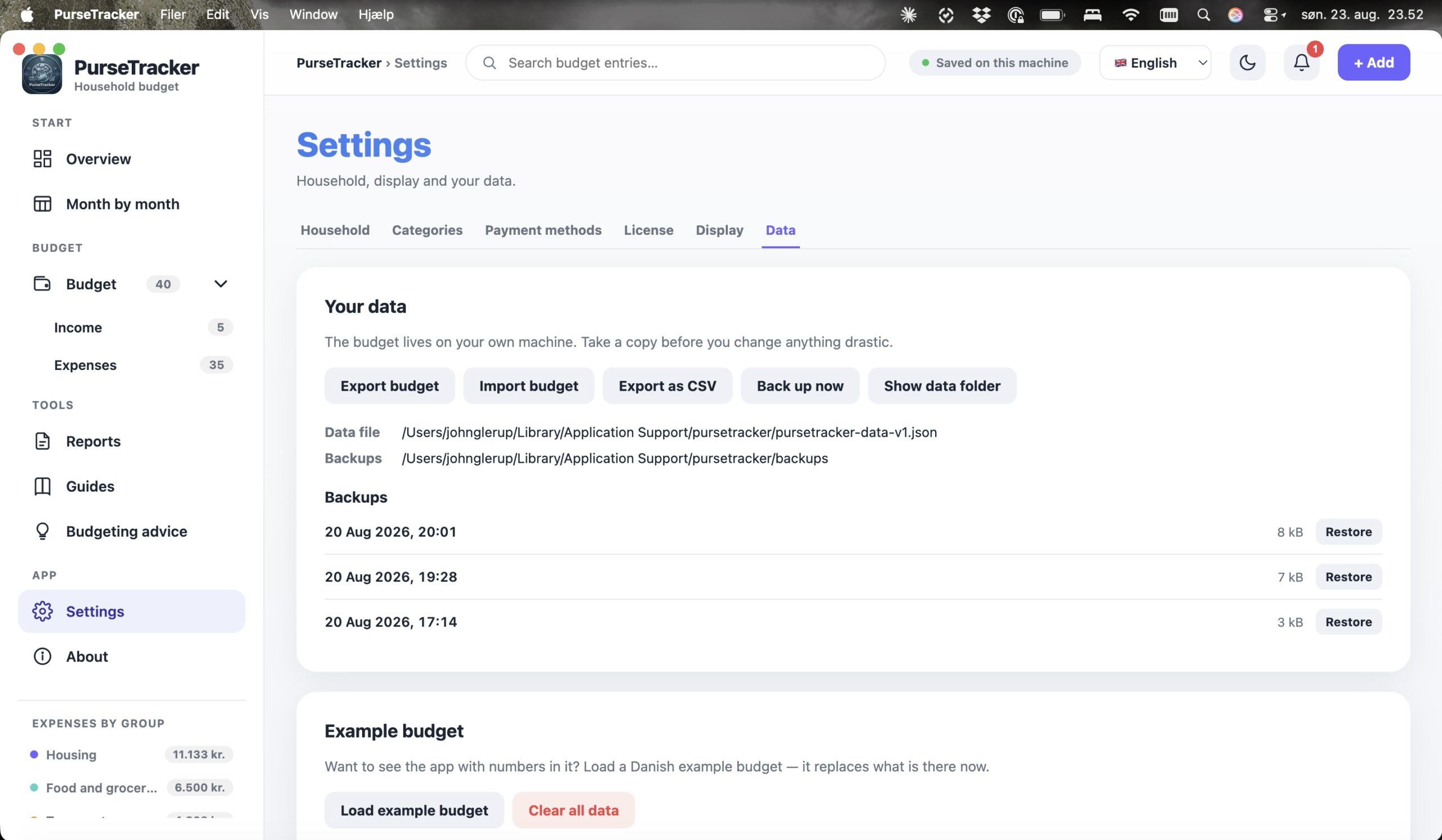
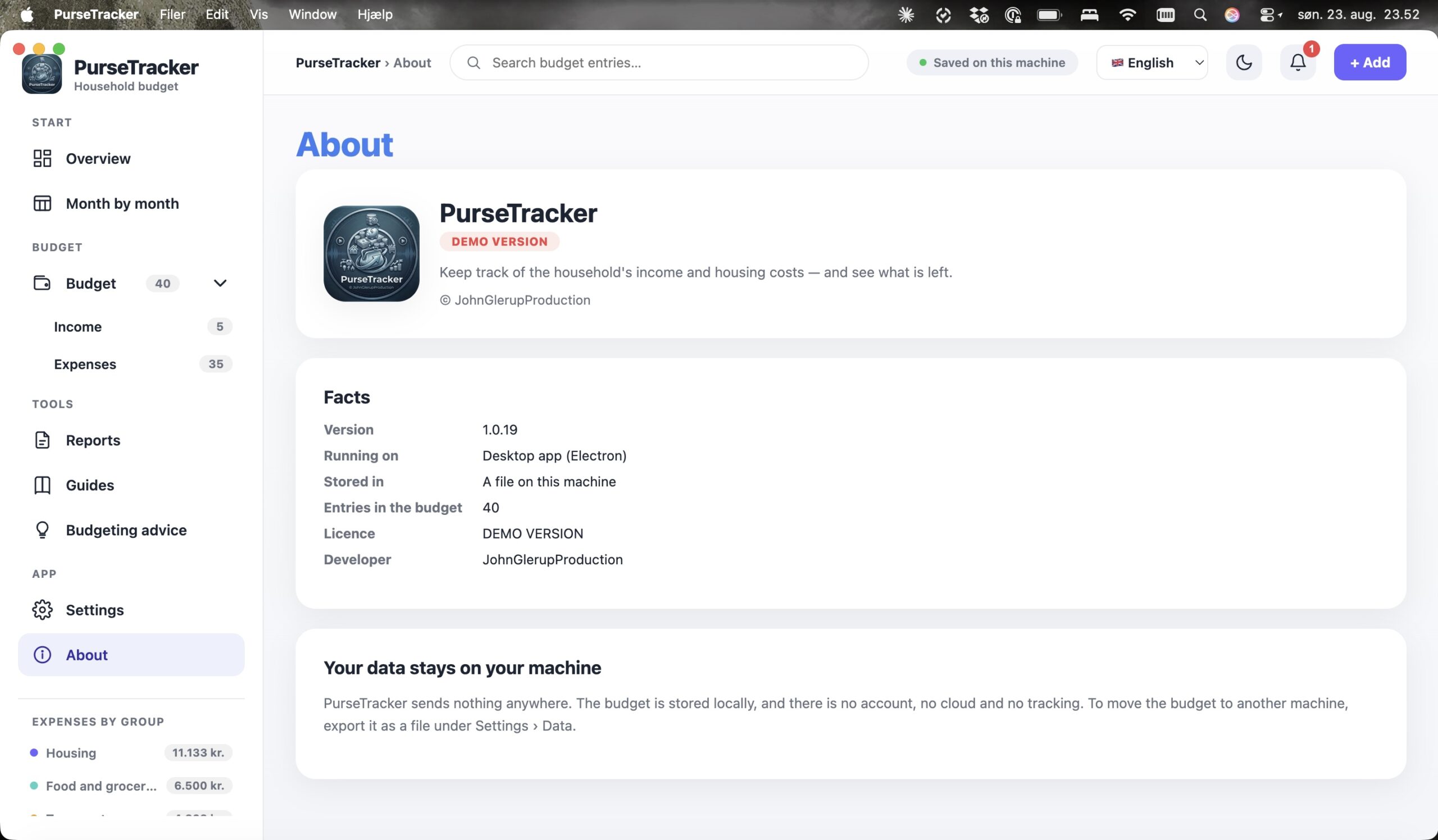
15 looks inside the program
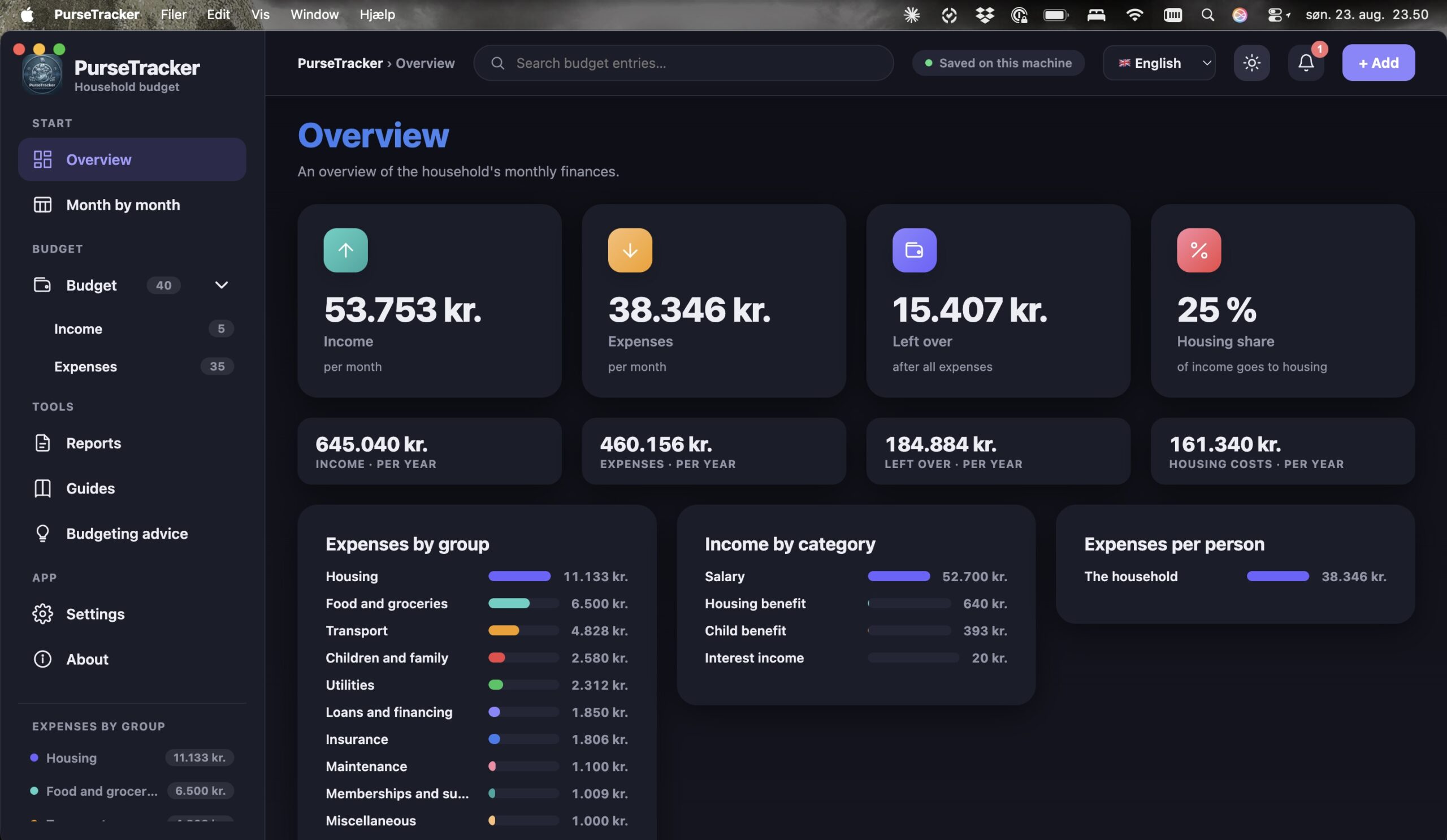
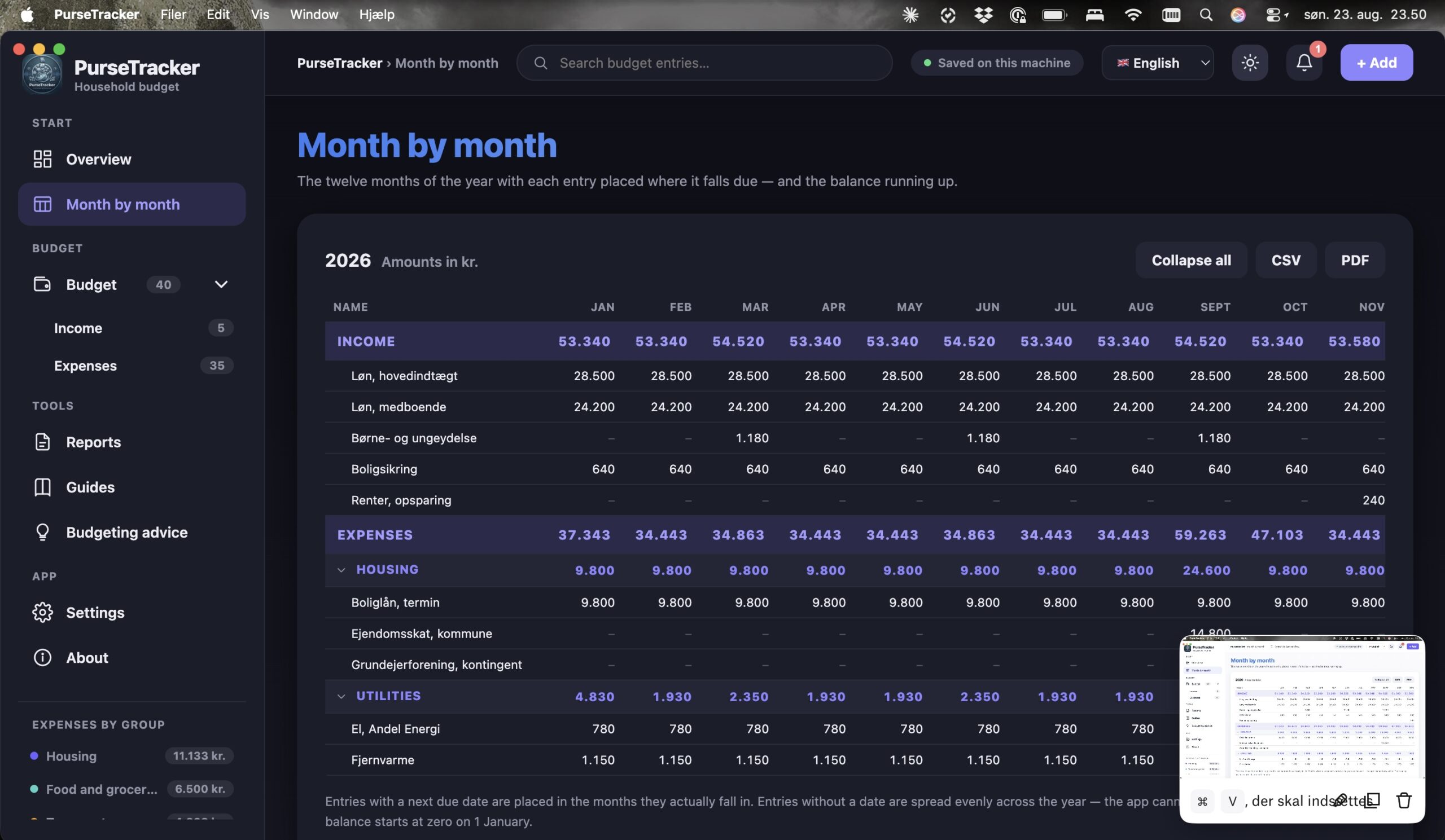
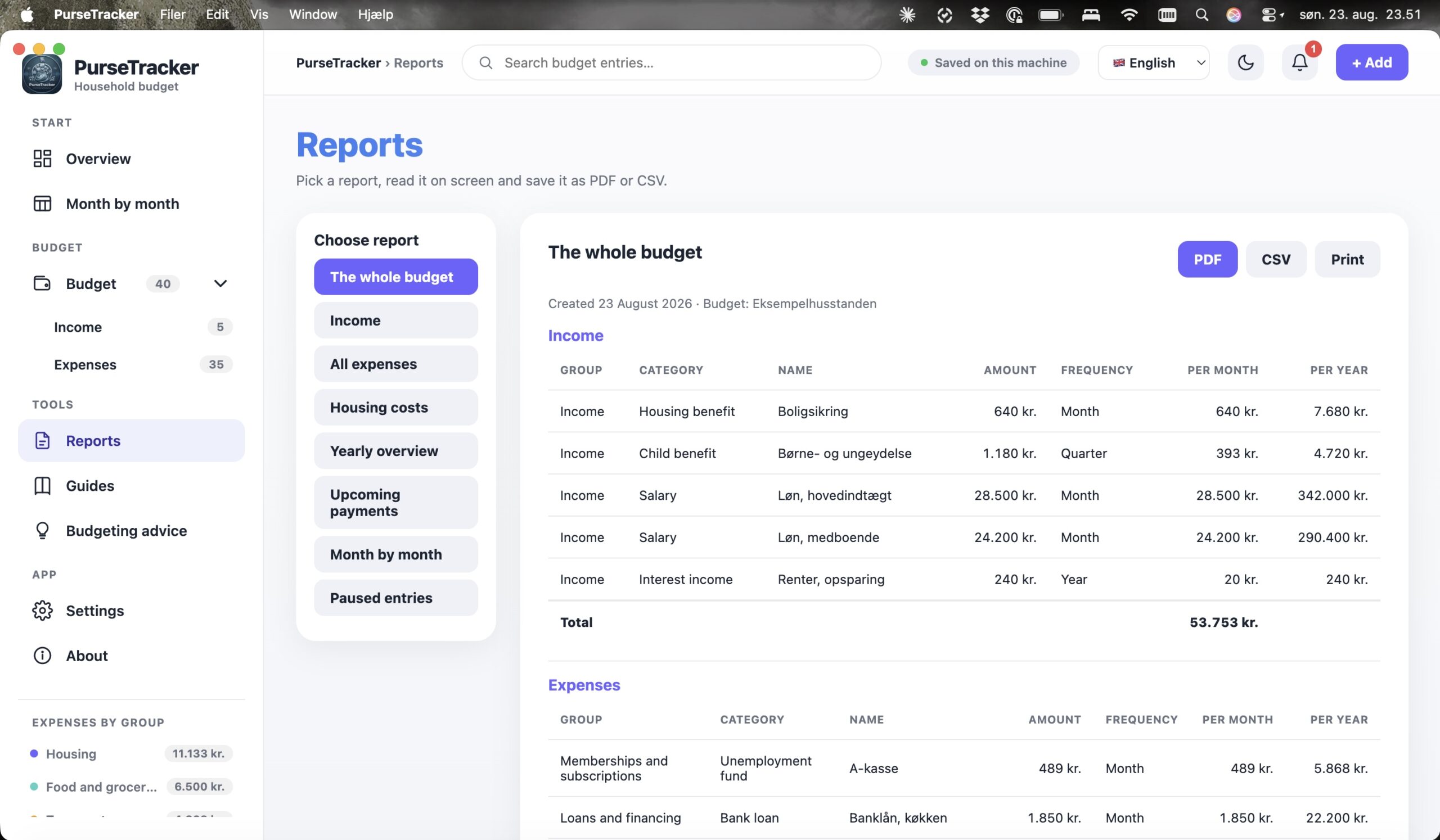
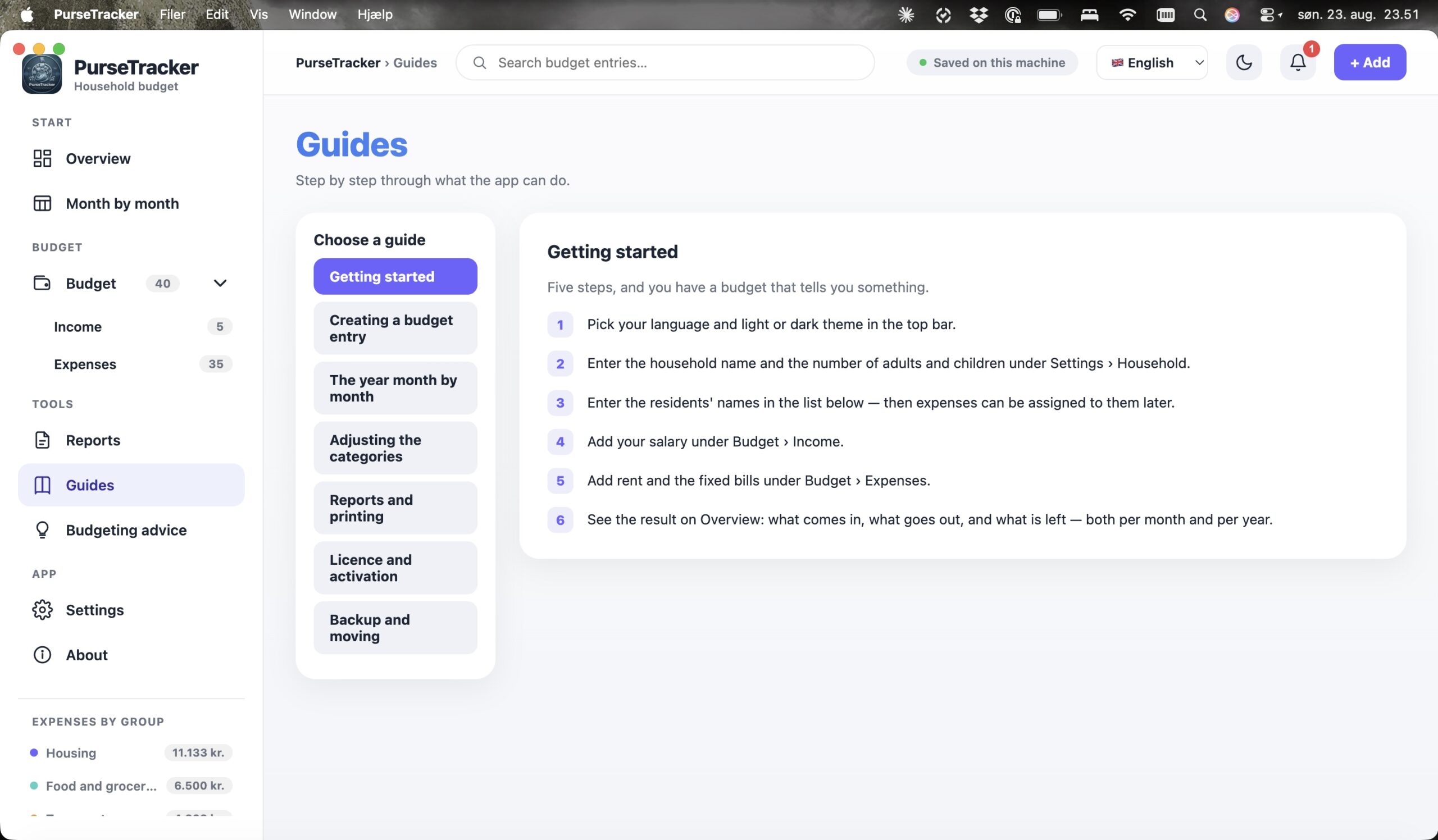
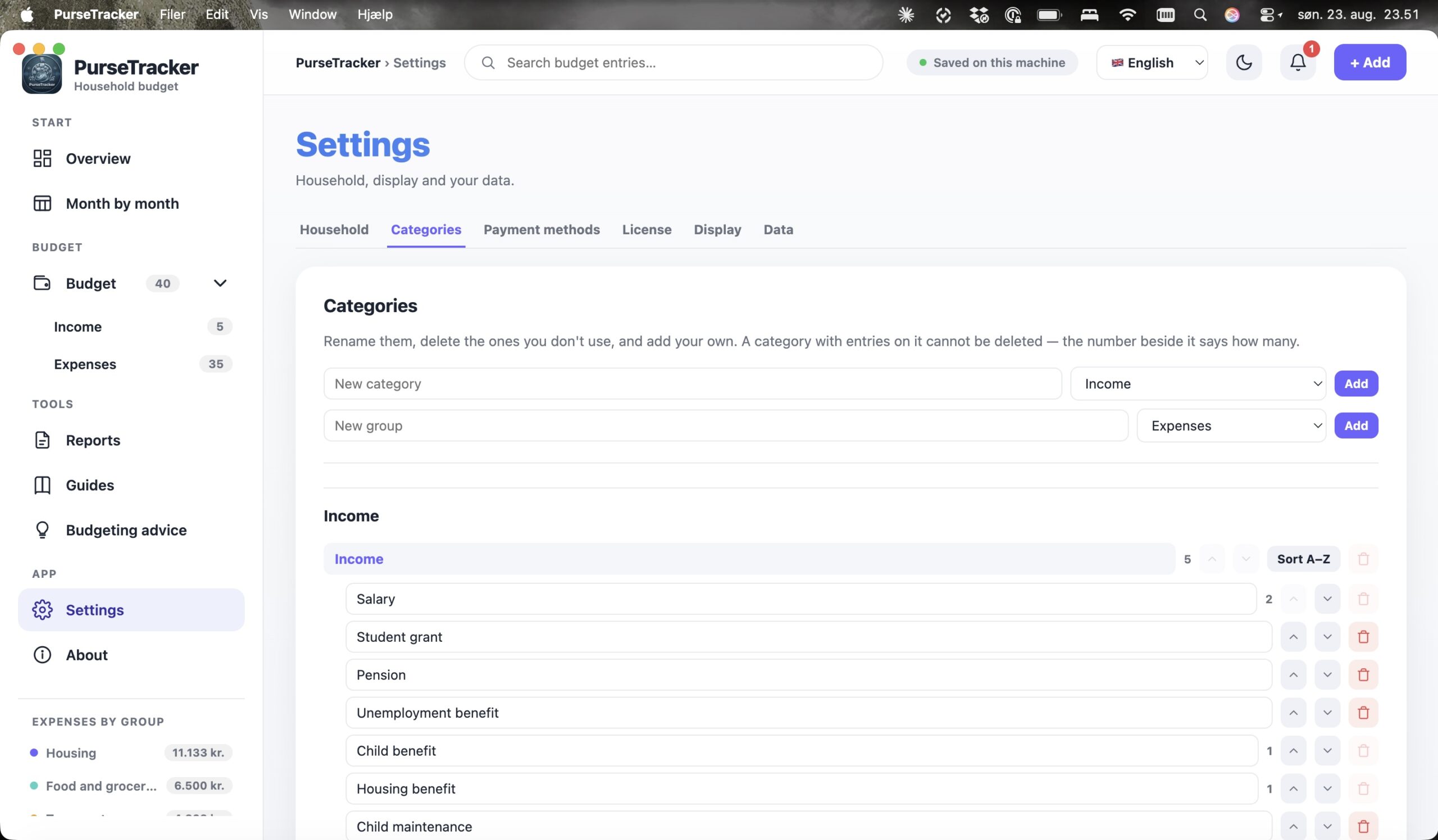
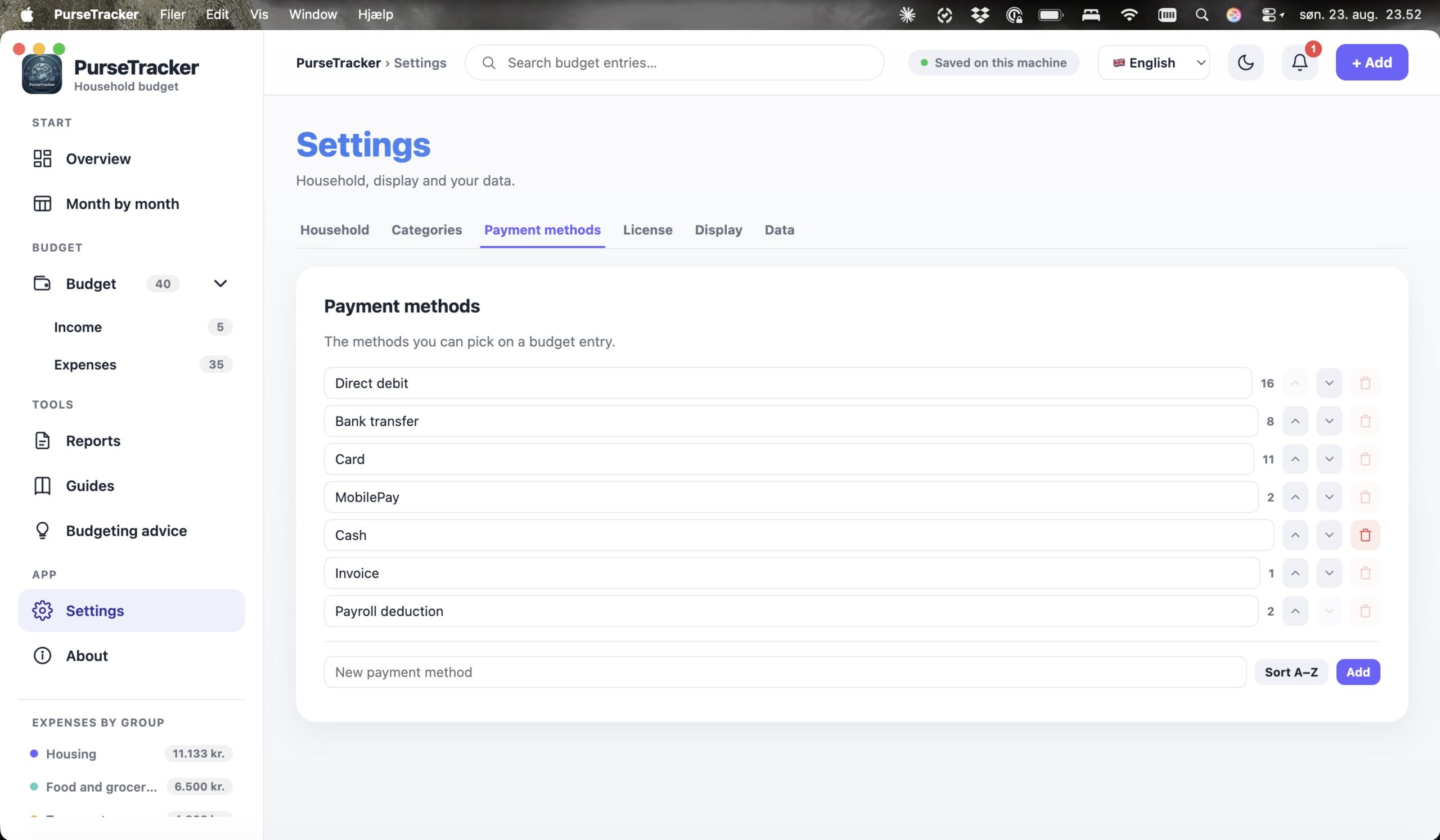
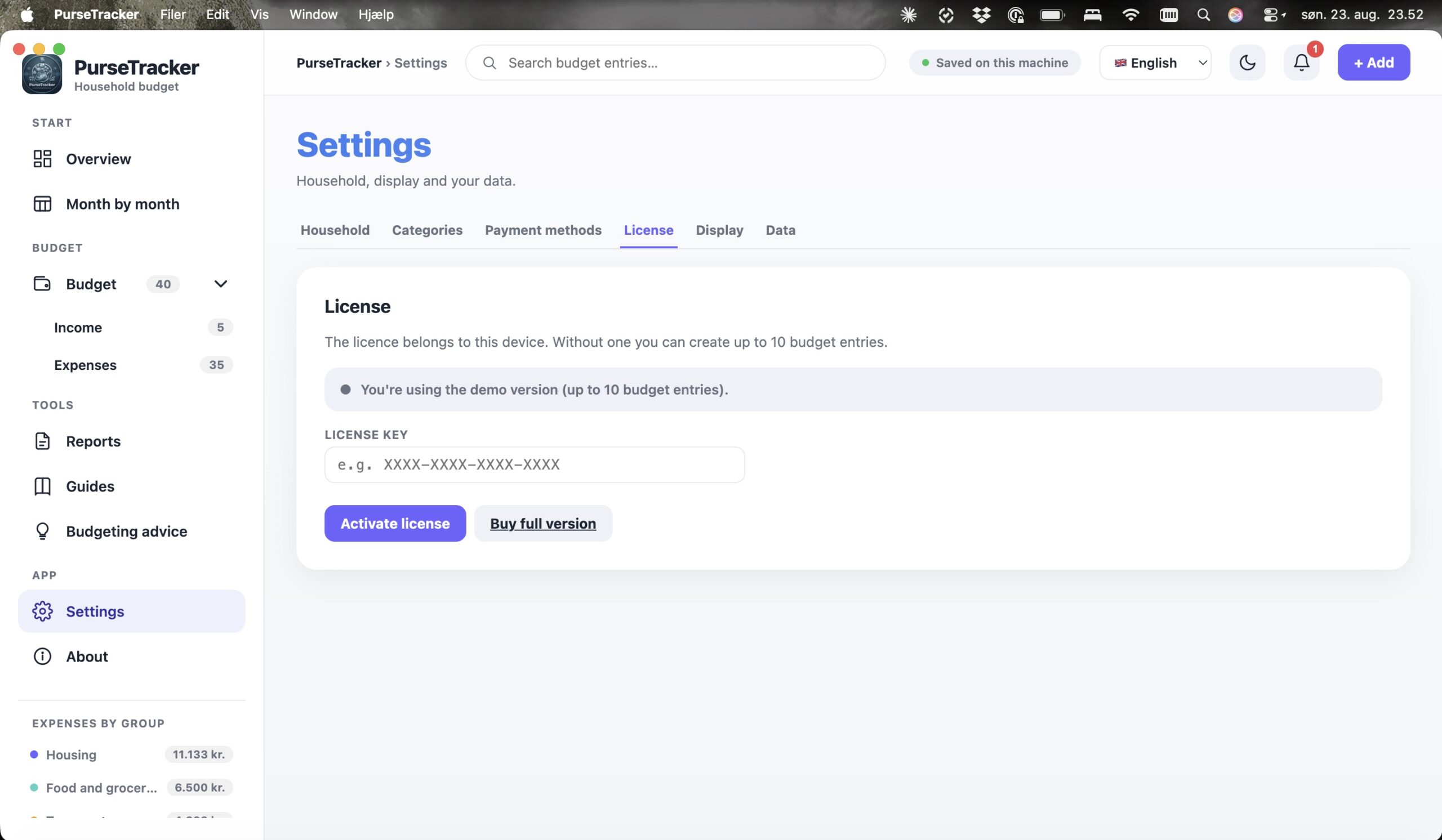
From the Overview and the year month by month to reports, categories and dark theme — see how PurseTracker looks in everyday use.
Disposable income is the figure that decides everything else
In our view, that is almost the whole value of PurseTracker in one sentence.
A budget only becomes a budget when you can see what is left.
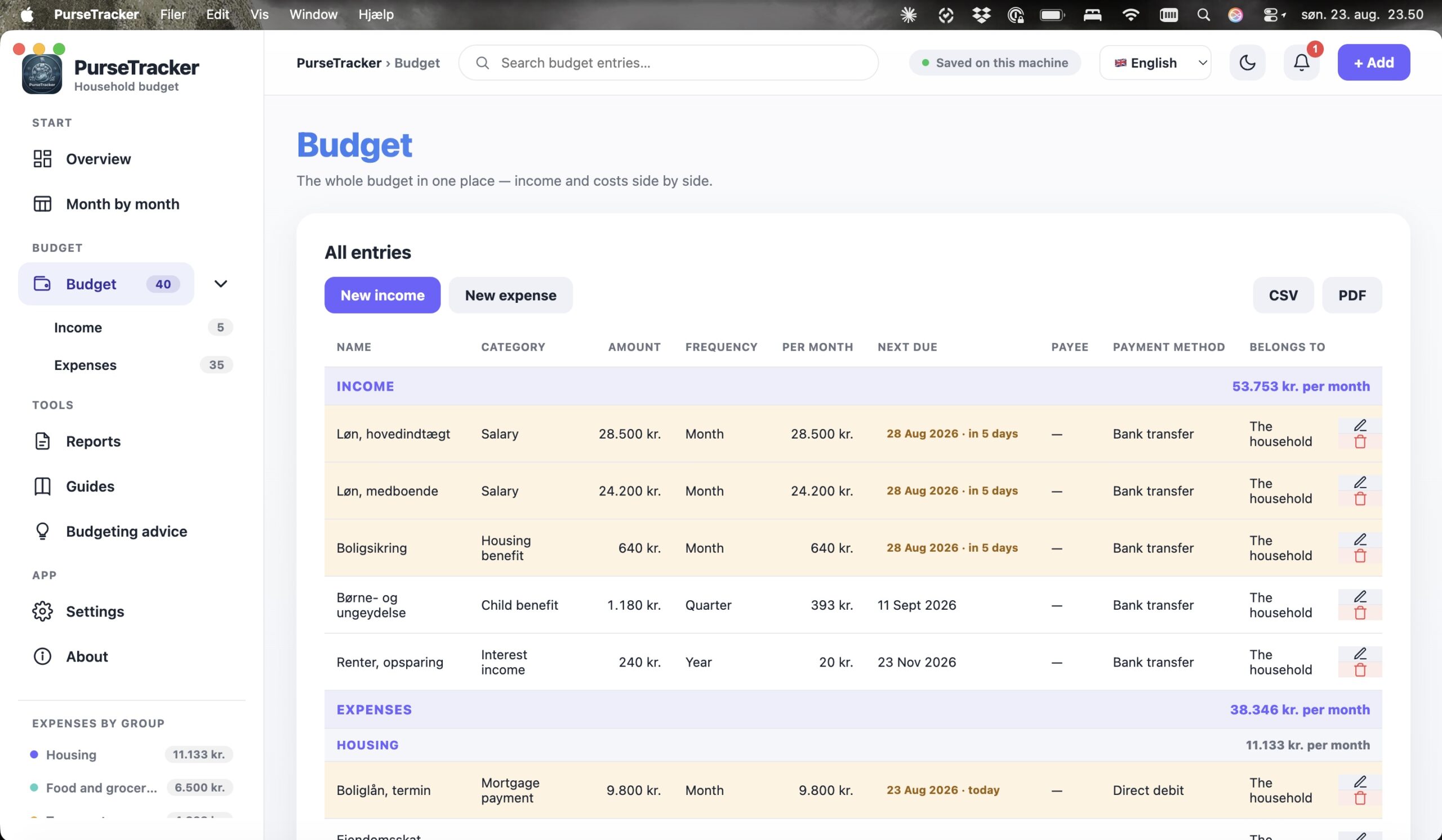
Every entry gathered in one overview
PurseTracker gathers income and expenses under the two main groups and breaks them into groups, each with its own total. Search the whole budget, filter by group, category, frequency, person or status, and sort the table however you like. An entry is edited by clicking its row.
The next due date will not be forgotten
Every entry can be given a next due date. The row turns orange when the day is within a week, and the coming month’s payments are gathered on the Overview – together with warnings about a deficit, too high a housing share, and a savings goal there is no room for.
- ✓ Upcoming payments gathered on the Overview
- ✓ Orange highlight as the day approaches
- ✓ The clock in the top bar collects the warnings
See what is falling due – before the money leaves the account.
Create. Categorise. Follow along.
A budget entry has eight fields and is filled in under a minute. Whether the entry is income or an expense follows from the category, so there is one less choice to make.
The practical details are covered too
The month is the unit of calculation
Everything is converted to a monthly figure, so entries with wildly different frequencies can be added together – and spread across the months they actually fall in.
That is how a rent bill and an annual insurance premium can sit in the same calculation.
Get better at budgeting
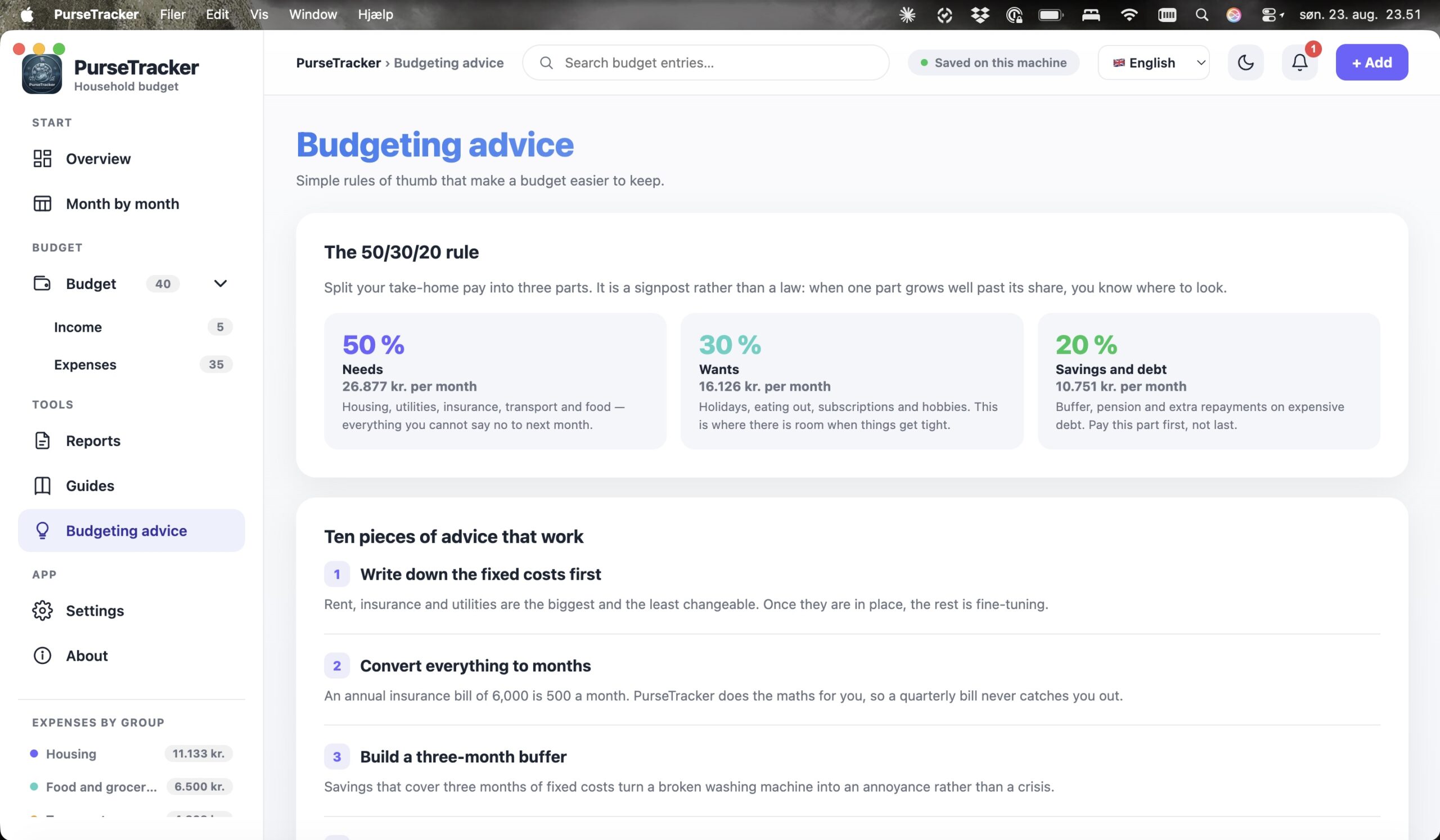
PurseTracker does not just keep track of the figures. The program has a page of budgeting advice – worked out on your own numbers.
The 50/30/20 rule on your own figures
See how your budget splits across needs, wants and savings – with your actual amounts instead of an example.
Ten tips that keep a budget alive
Practical advice on fixed expenses, savings and the entries that usually get forgotten when a budget is drawn up.
How your budget stands right now
A check of disposable income, housing share and savings goals, pointing to what should be looked at first.
Your everyday life before and after PurseTracker
Take control of your household budget
See income, expenses and disposable income gathered in one place – with a fast, secure and elegant tool that keeps your figures on your own machine.