
FreezeTracker – keep track of your freezer and cut food waste
8 good reasons to get started
Your freezer becomes a financial tool
Instead of a place where food is forgotten, the freezer becomes an active part of your household economy.
Save money on your shopping
Buy larger quantities of the items you use often when they are on offer – and record them in FreezeTracker so they actually get used.Cut food waste
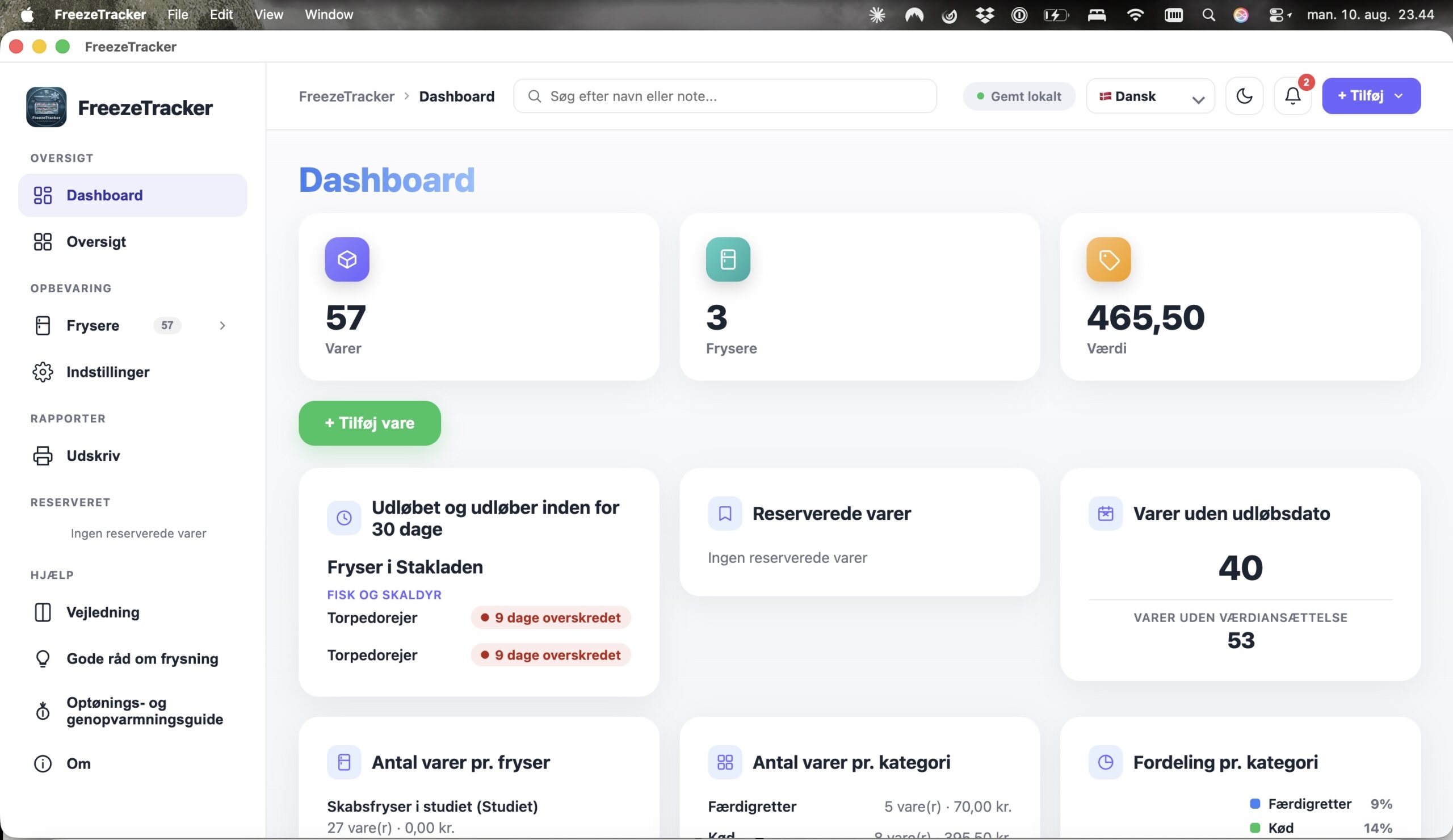
See what should be used soon, before it is forgotten at the bottom of the freezer. Items approaching their use-by date are marked orange, and expired items red.Get an overview in seconds
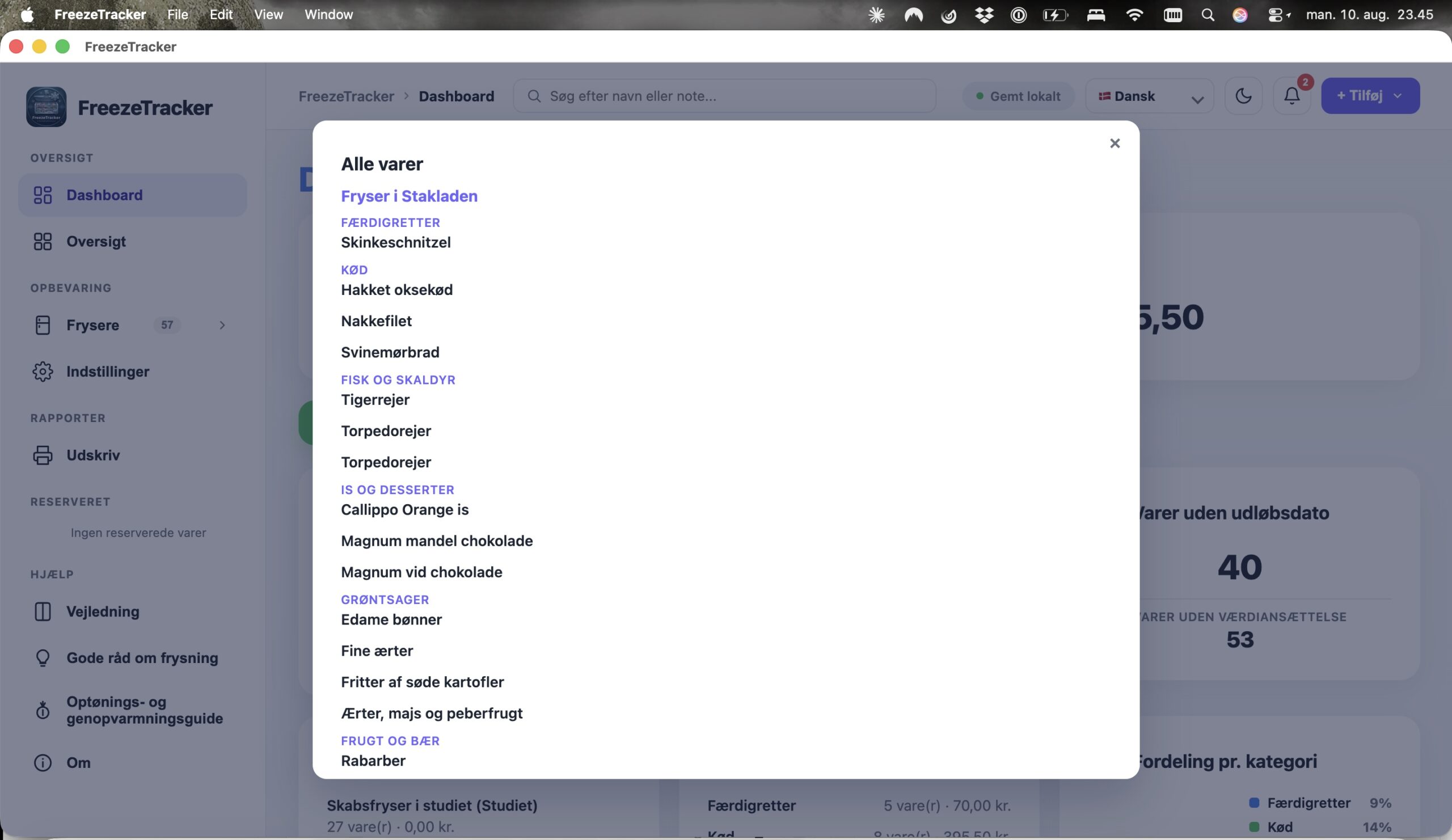
Search for an item and see exactly which freezer and drawer it is in. FreezeTracker supports several freezers as well as individual drawers and compartments.Plan meals around what you already have
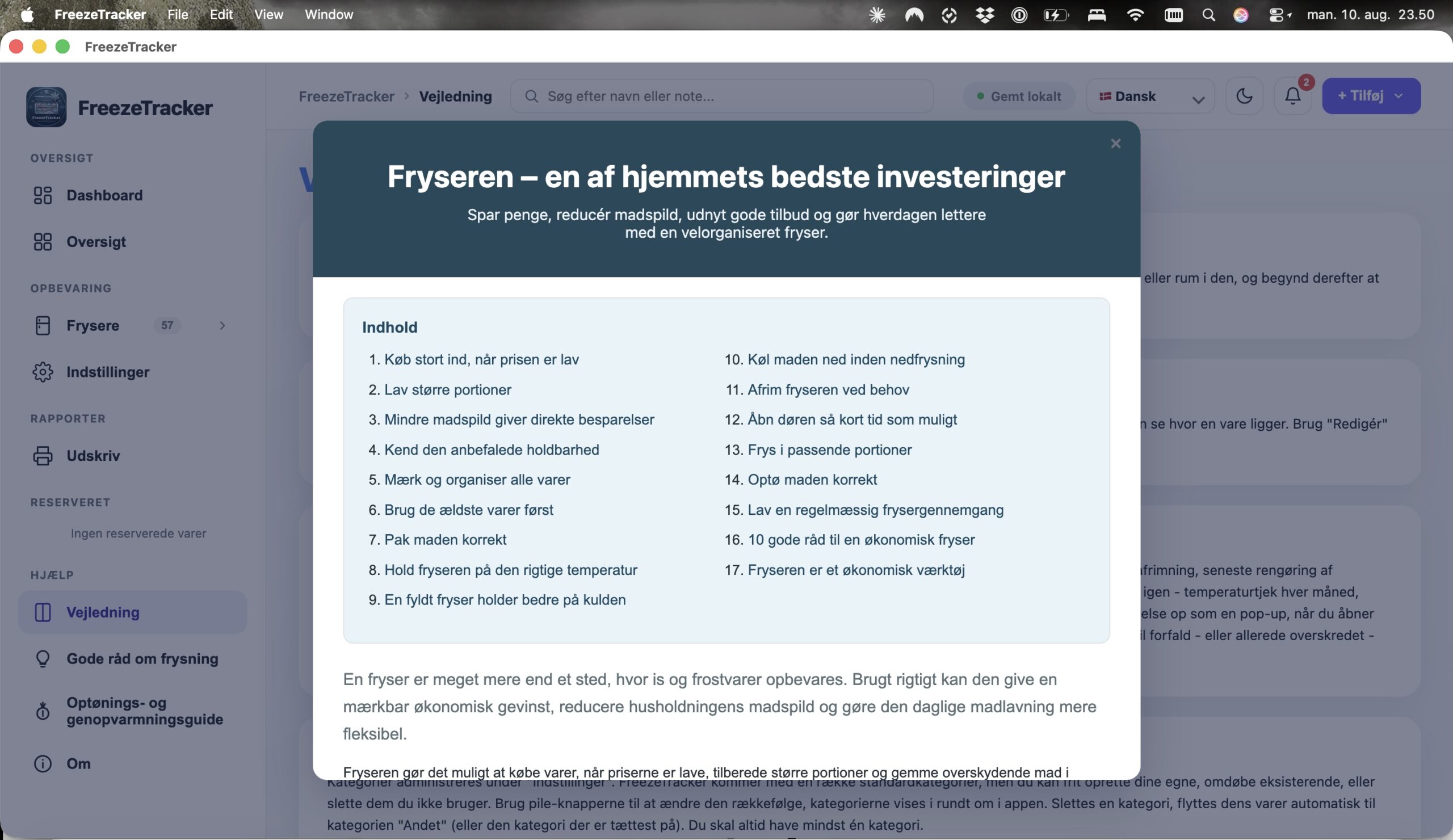
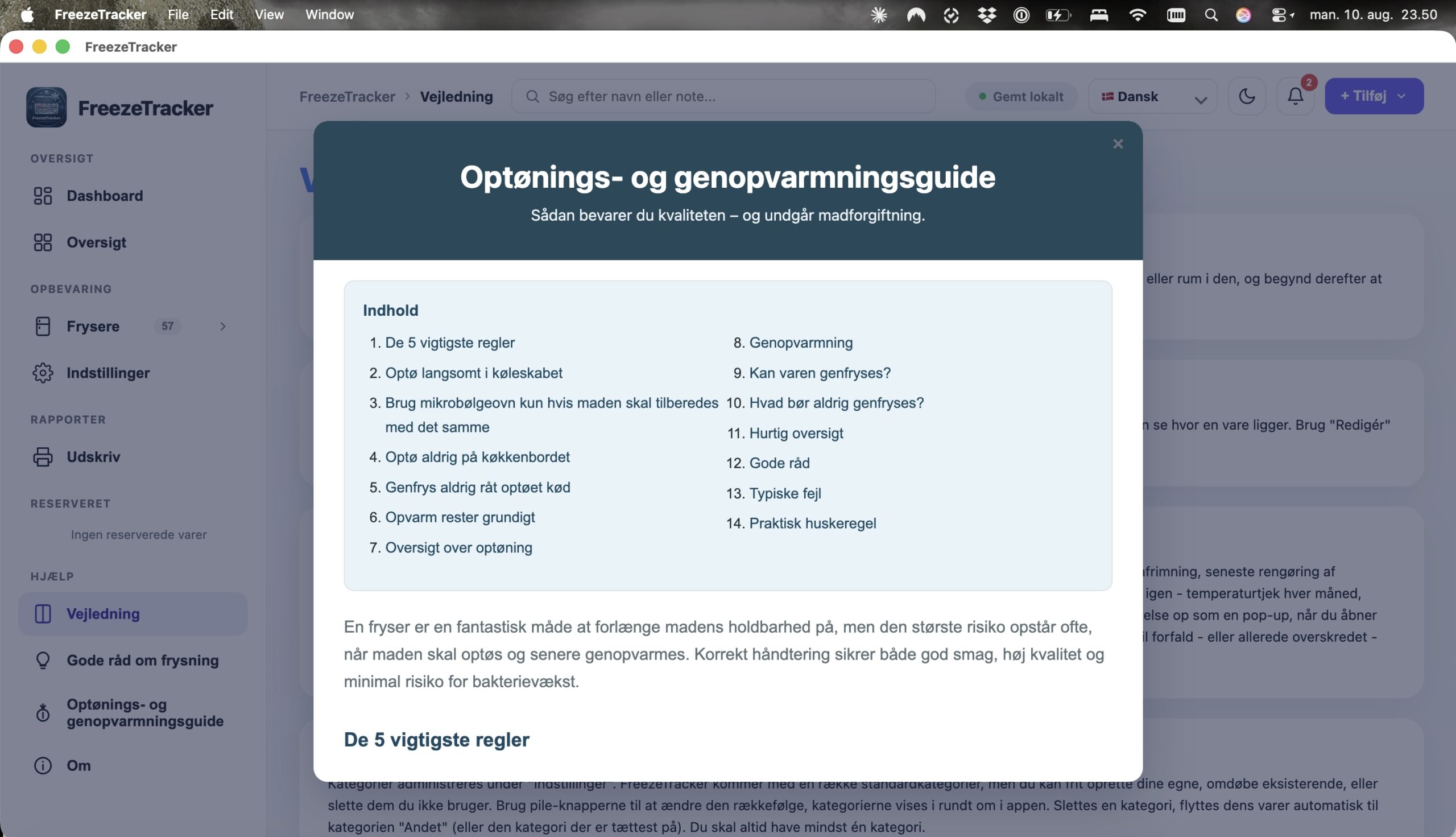
Use the freezer’s contents actively in your meal plan instead of automatically buying more. Use the oldest items first and keep the freezer organised.18 looks inside the program
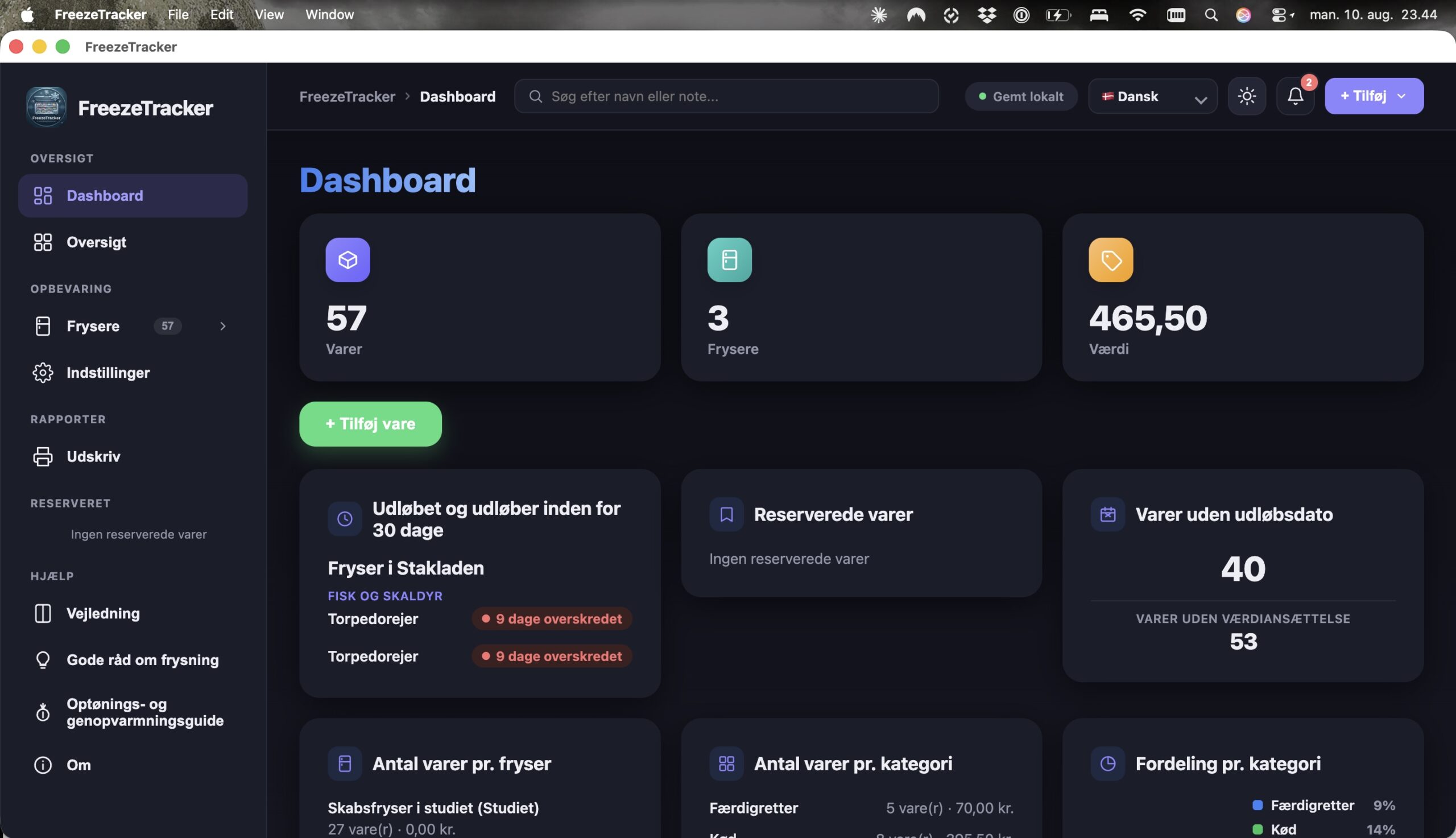
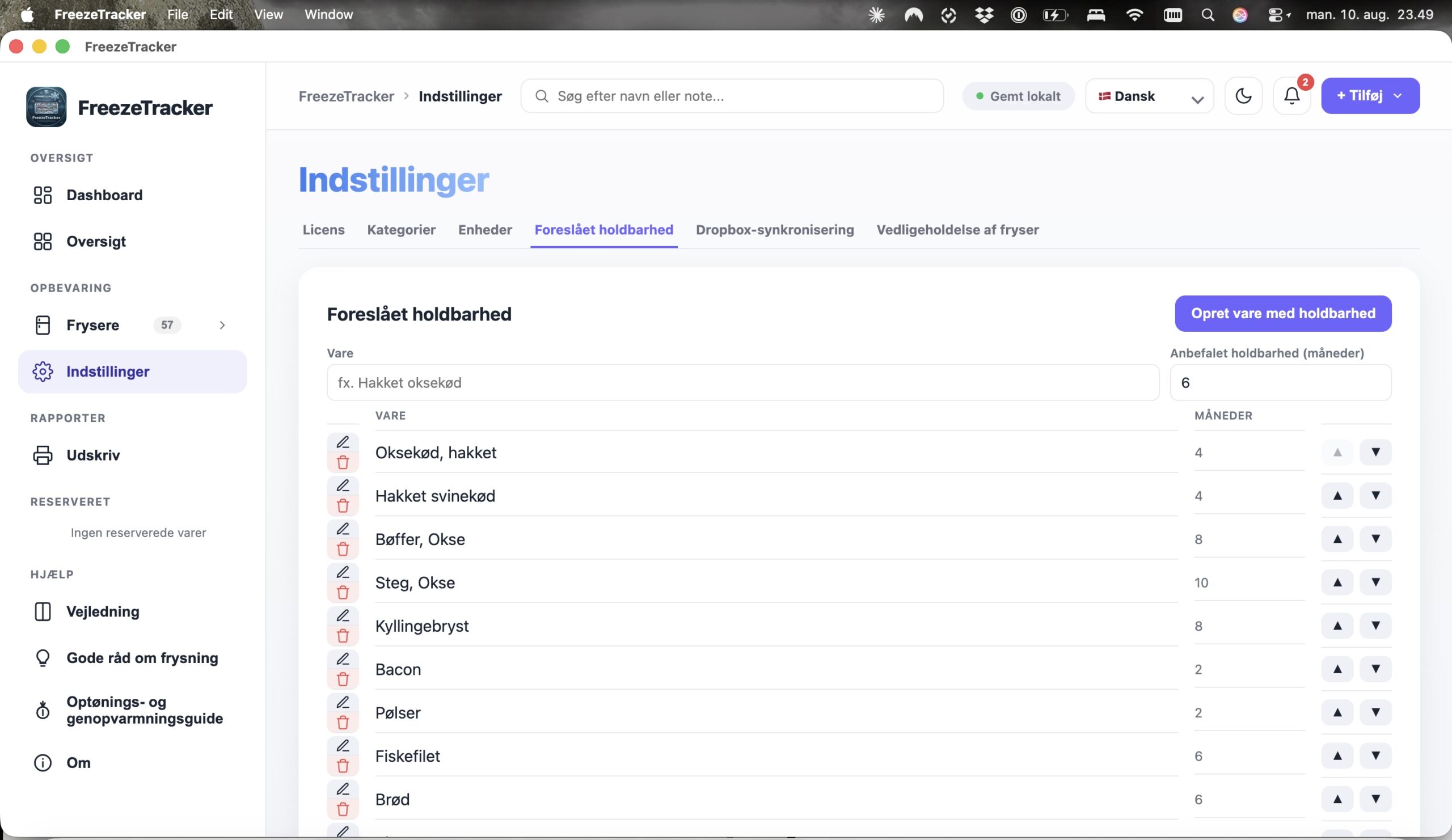
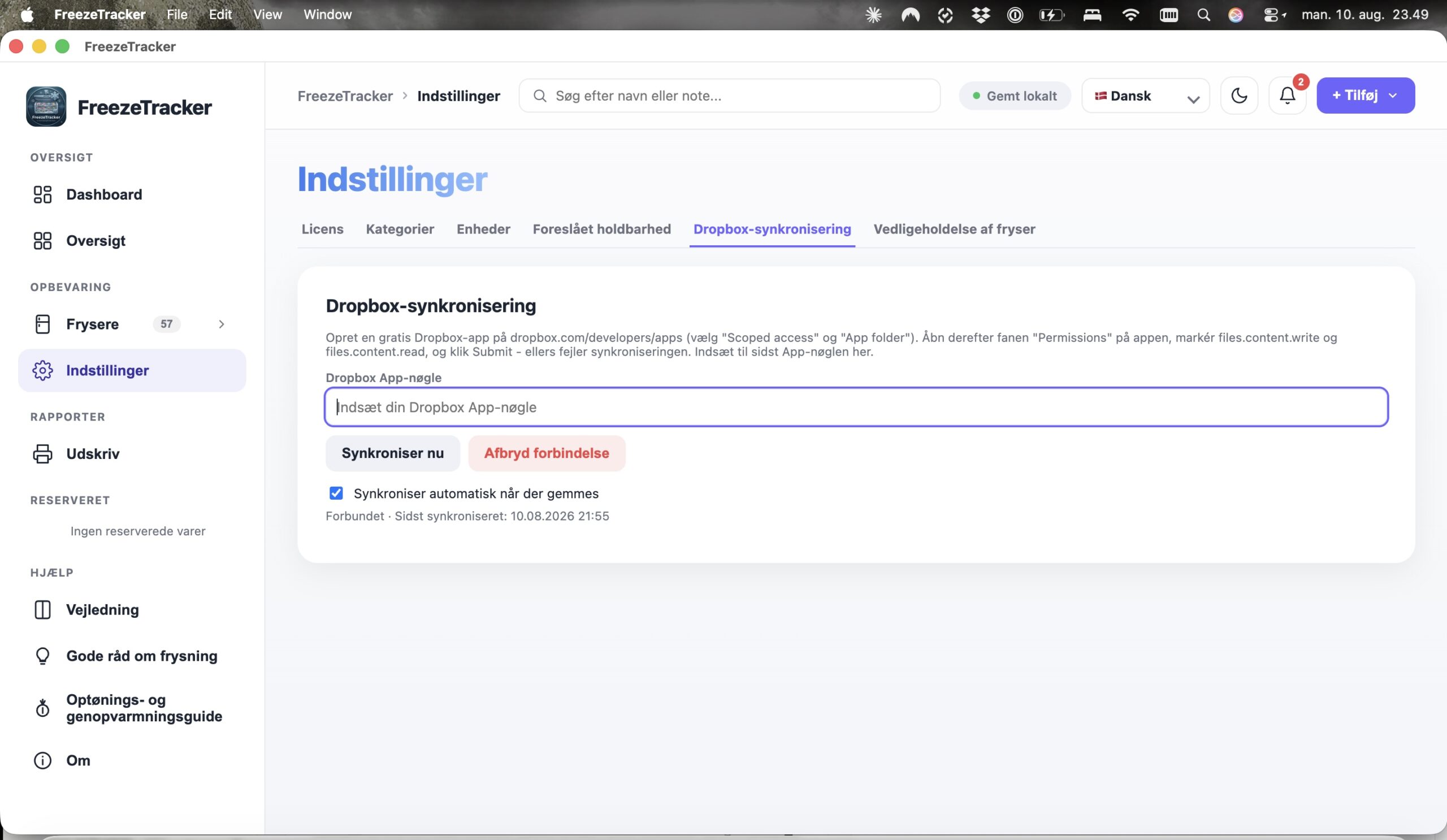
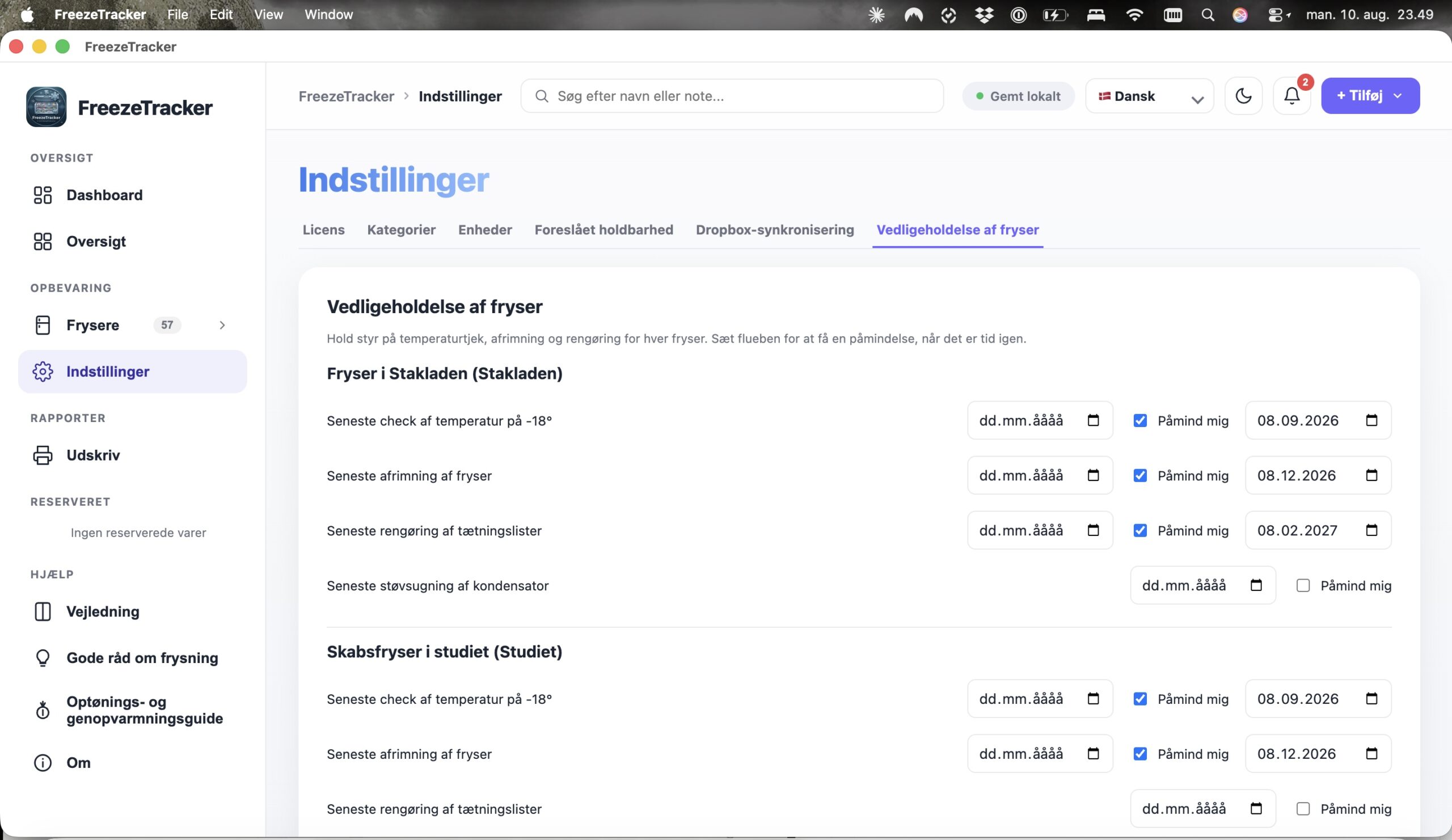
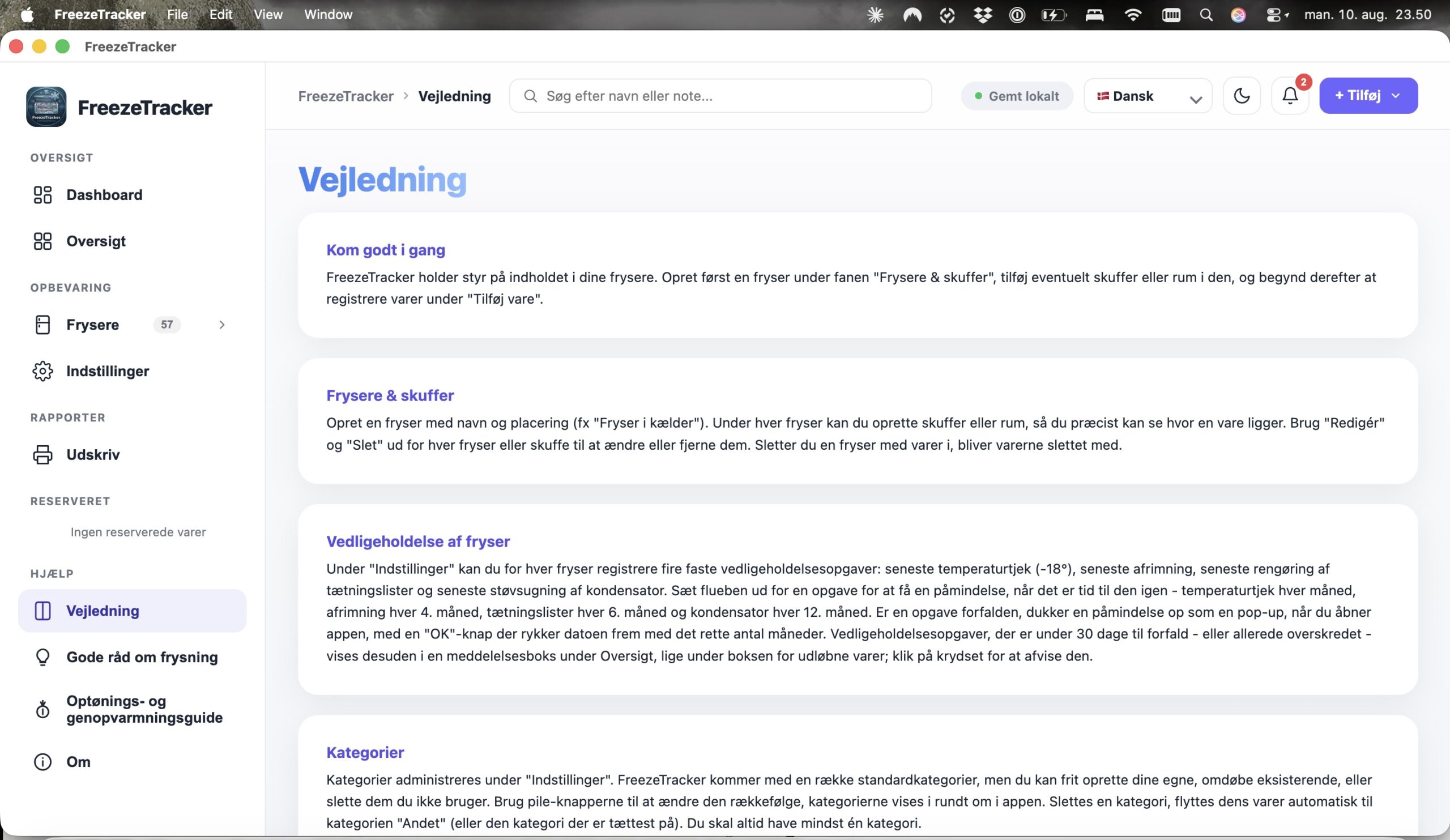
From recording and shelf life to overview and maintenance — see how FreezeTracker looks in everyday use.
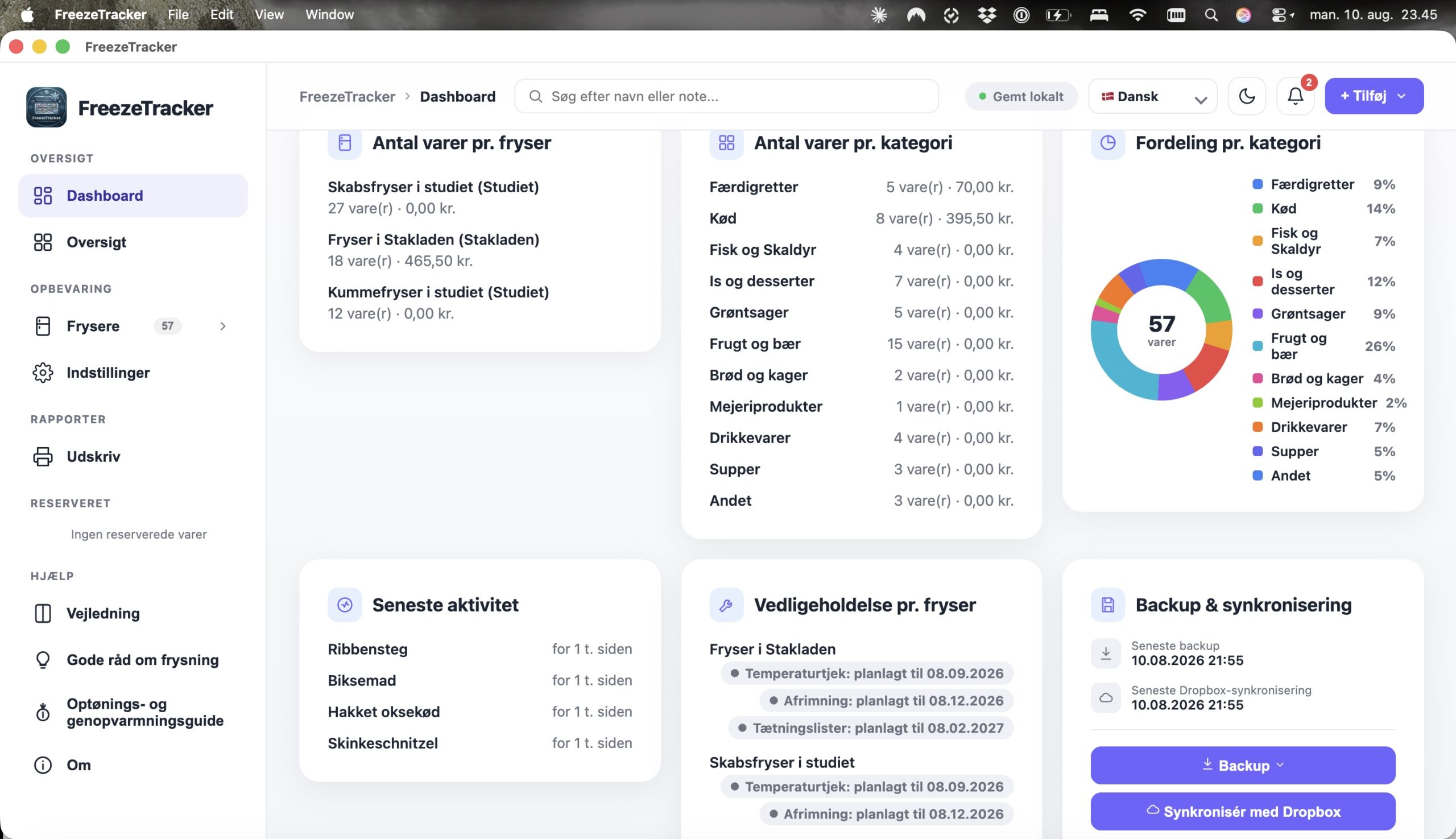
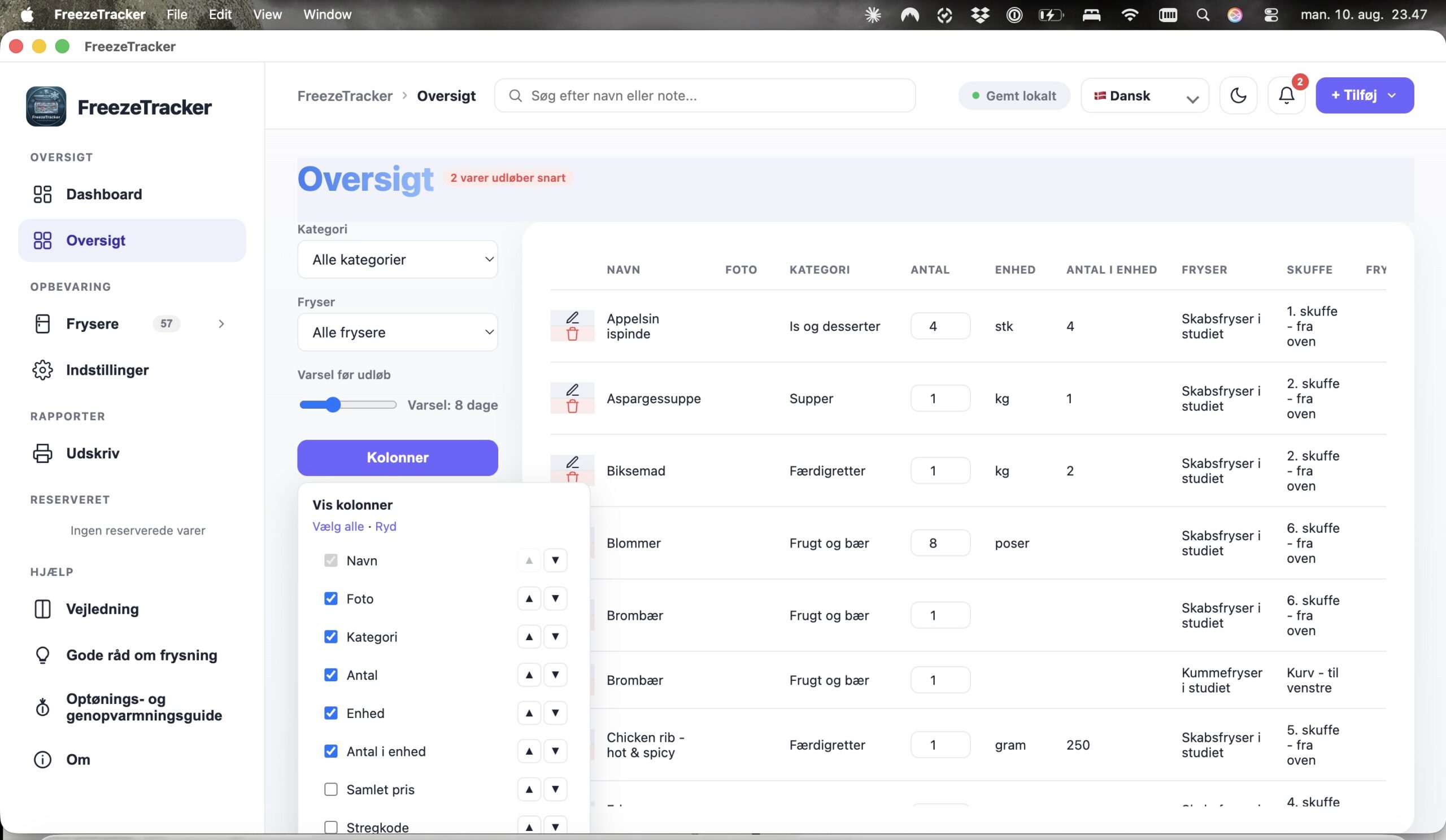
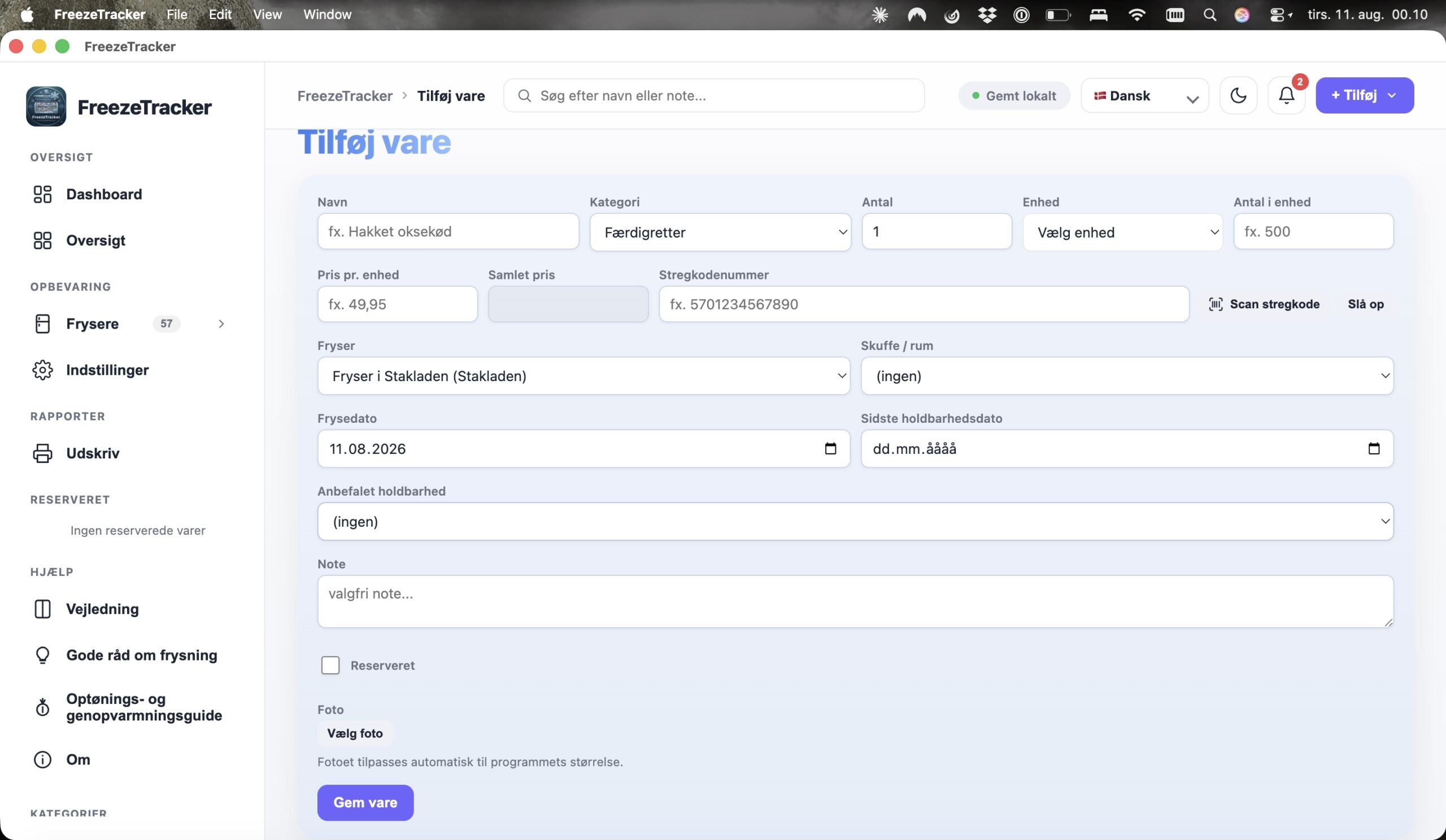
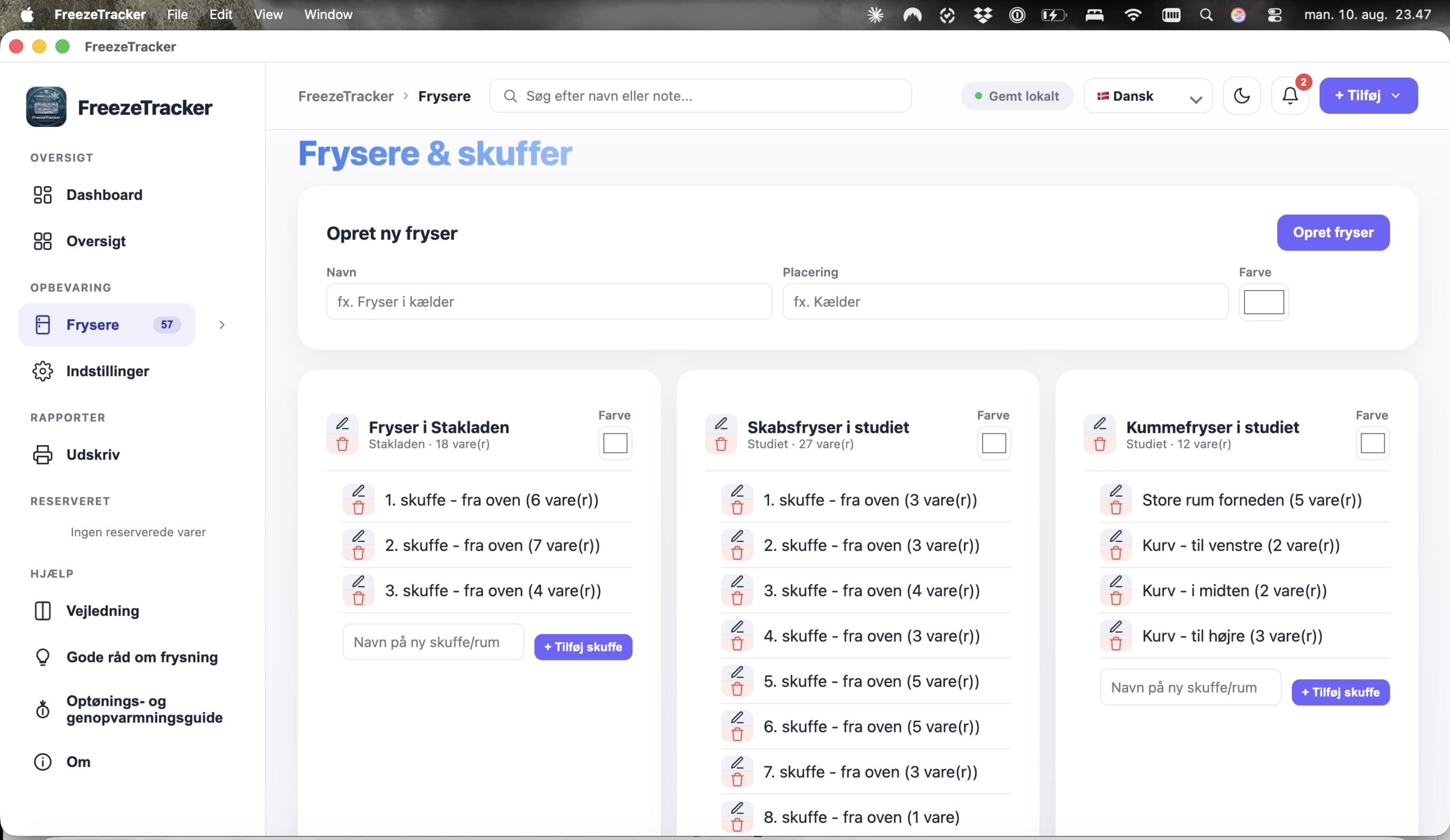
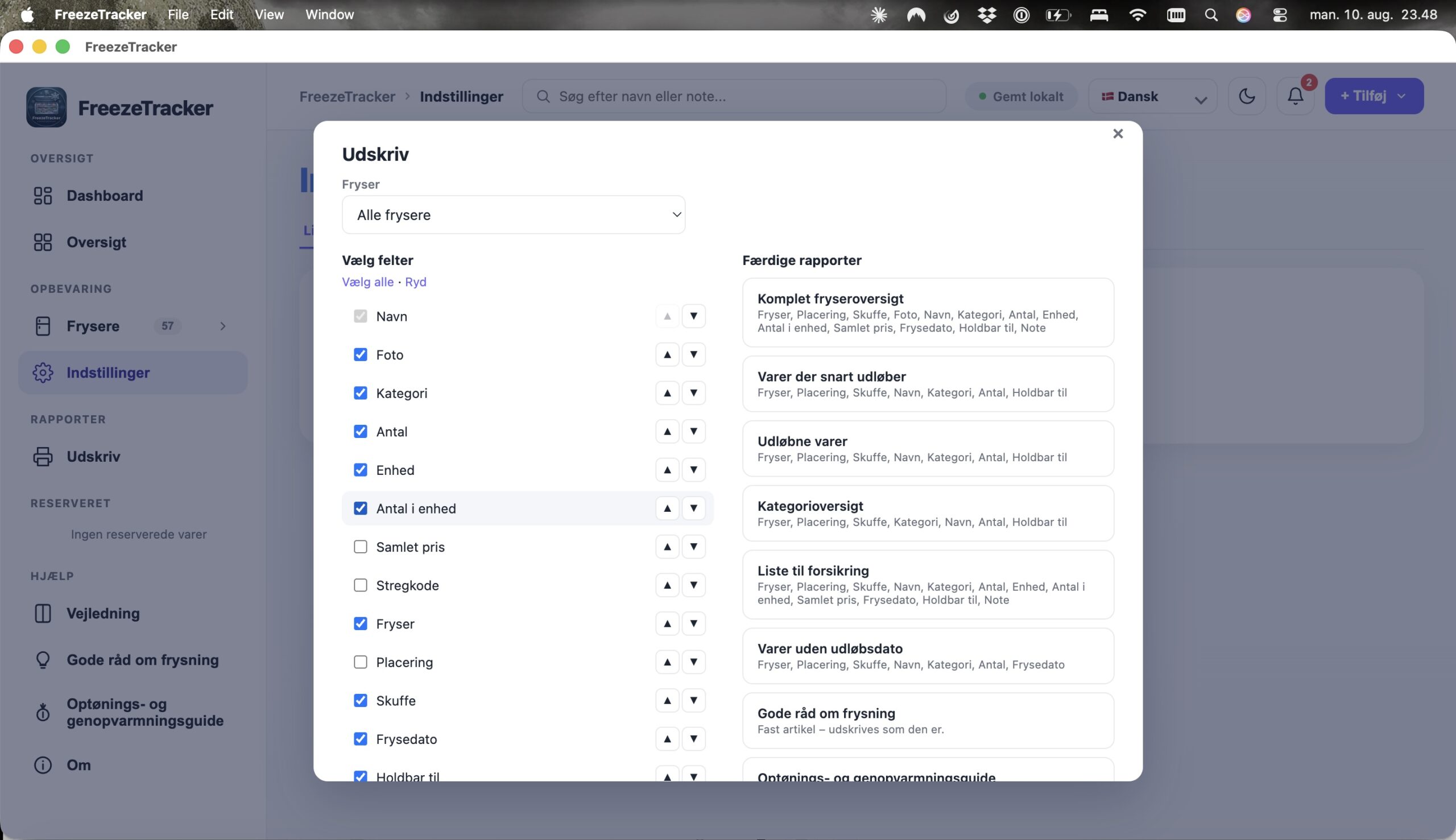
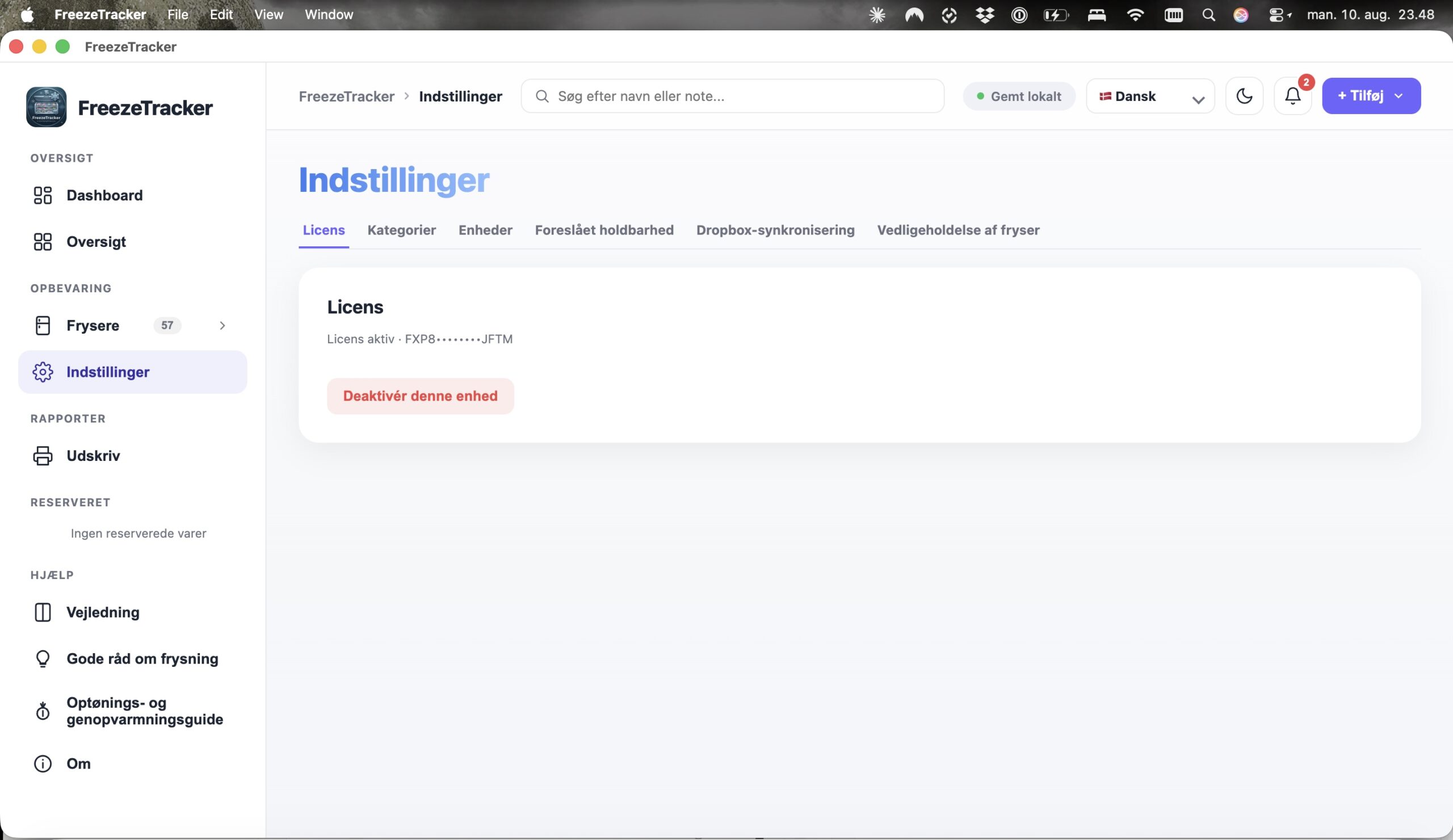
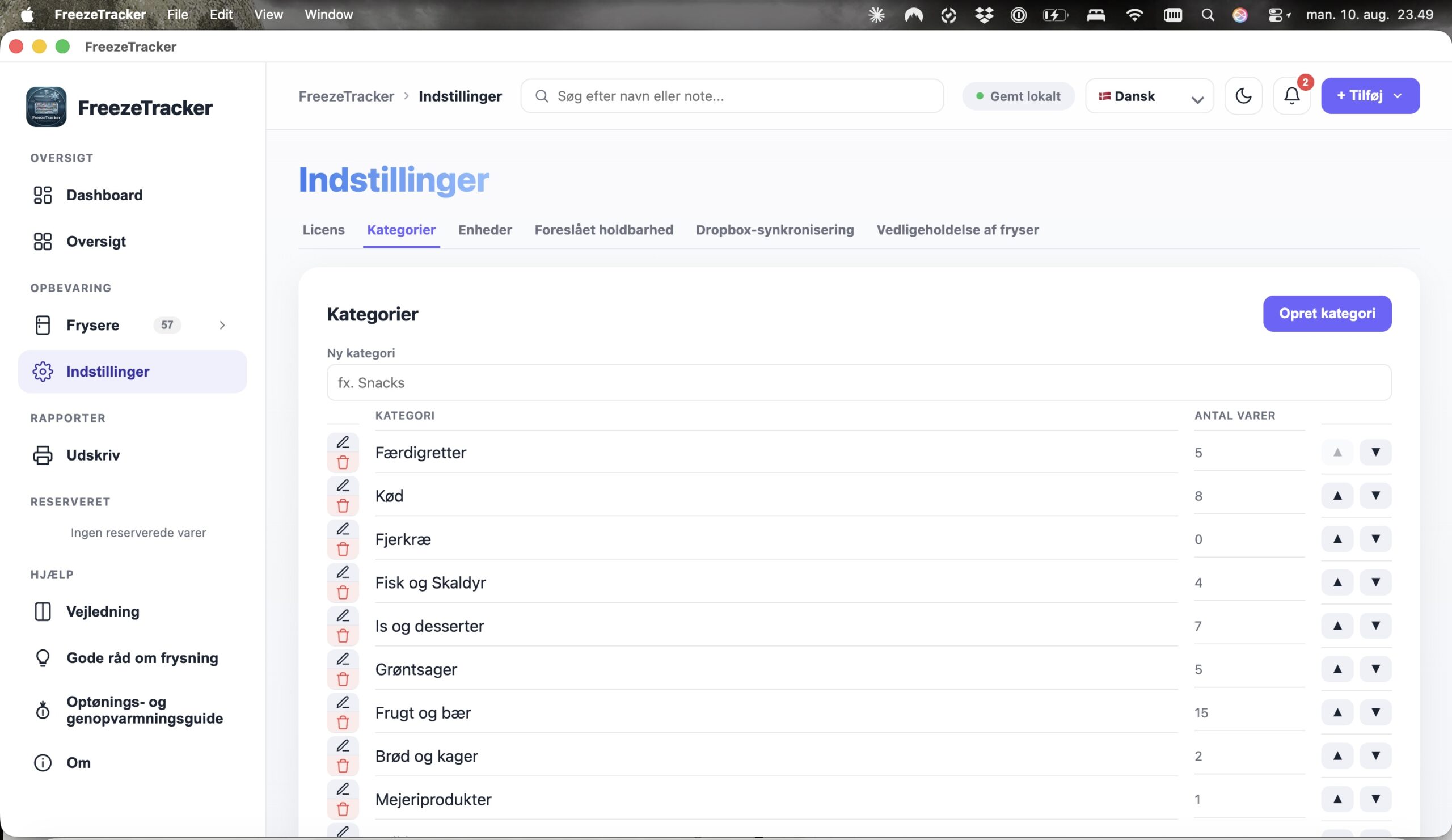
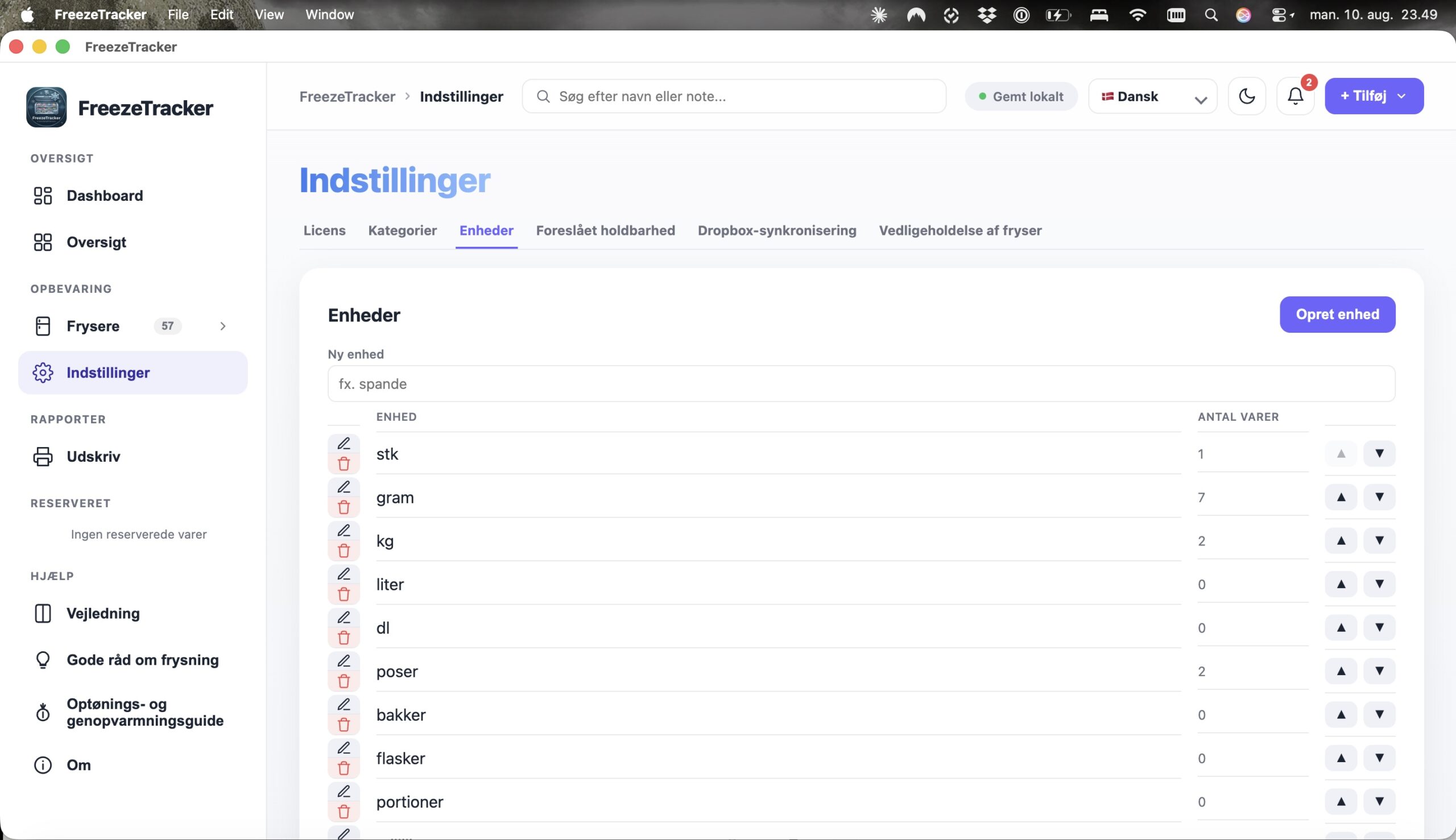
A good offer is only a saving if the food gets used
In our view, that is almost the whole value of FreezeTracker in one sentence.
A good offer is only a saving if the food actually gets used.
No more digging through the freezer
FreezeTracker gathers your frozen goods in one overview. Search by name or note, filter by category or freezer, and sort the information as you like. You can even change the quantity directly from the overview.
Do not forget what you already have
FreezeTracker can record the freezing date and the use-by date. If you pick an item from the list with recommended shelf life, the date can be calculated automatically – and you decide how many days before the date an item should be flagged.
- ✓ Automatic shelf life calculation
- ✓ Colour-coded alerts – green, orange and red
- ✓ See first what needs to be used soon
See what needs using first – and plan dinner accordingly.
Search. Record. Freeze.
FreezeTracker makes recording new items quick. Search for the product and automatically pull in details such as name, quantity, category and product photo where available. You can also add your own photo of the item.
The practical details are covered too
FreezeTracker does more than track the food
The program can record maintenance tasks – and remind you when they are due.
A well-maintained freezer is part of an economical freezer.
Get better at using your freezer
FreezeTracker does not just help you keep track of the contents. You also get practical advice on shopping, portioning, labelling, temperature, thawing and reheating.
10 tips for an economical freezer
Practical advice on shopping, portioning and labelling that turns the freezer into an active tool in your household economy.
How to get more out of good offers
Learn to turn a good offer into a real saving – without the food ending up as waste.
Thawing and reheating
A guide to safe and tasty thawing and reheating of your frozen food.
Your everyday life before and after FreezeTracker
Take control of your freezer
Get an overview of your frozen food and save money while avoiding food waste, with a fast, secure and elegant tool